Mouse Cord Basic Computer Course Certificate
Get the matching set
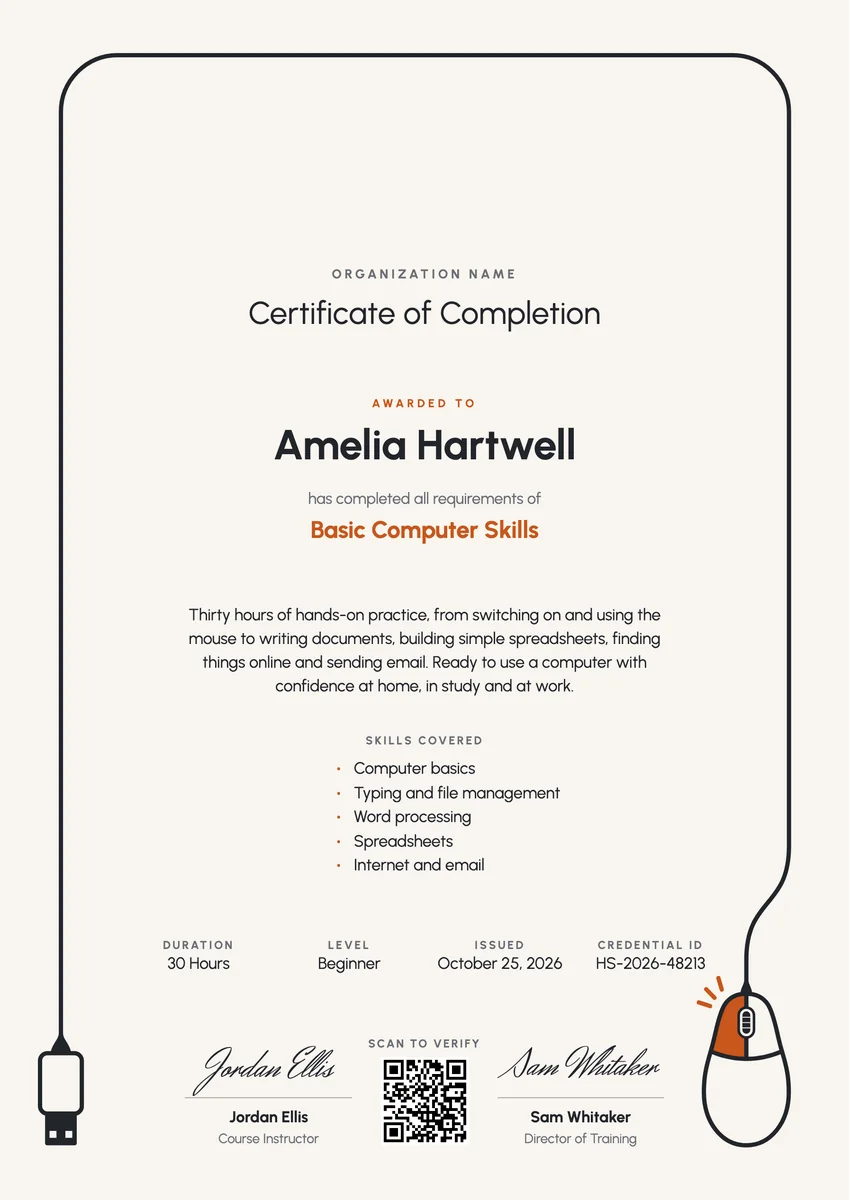
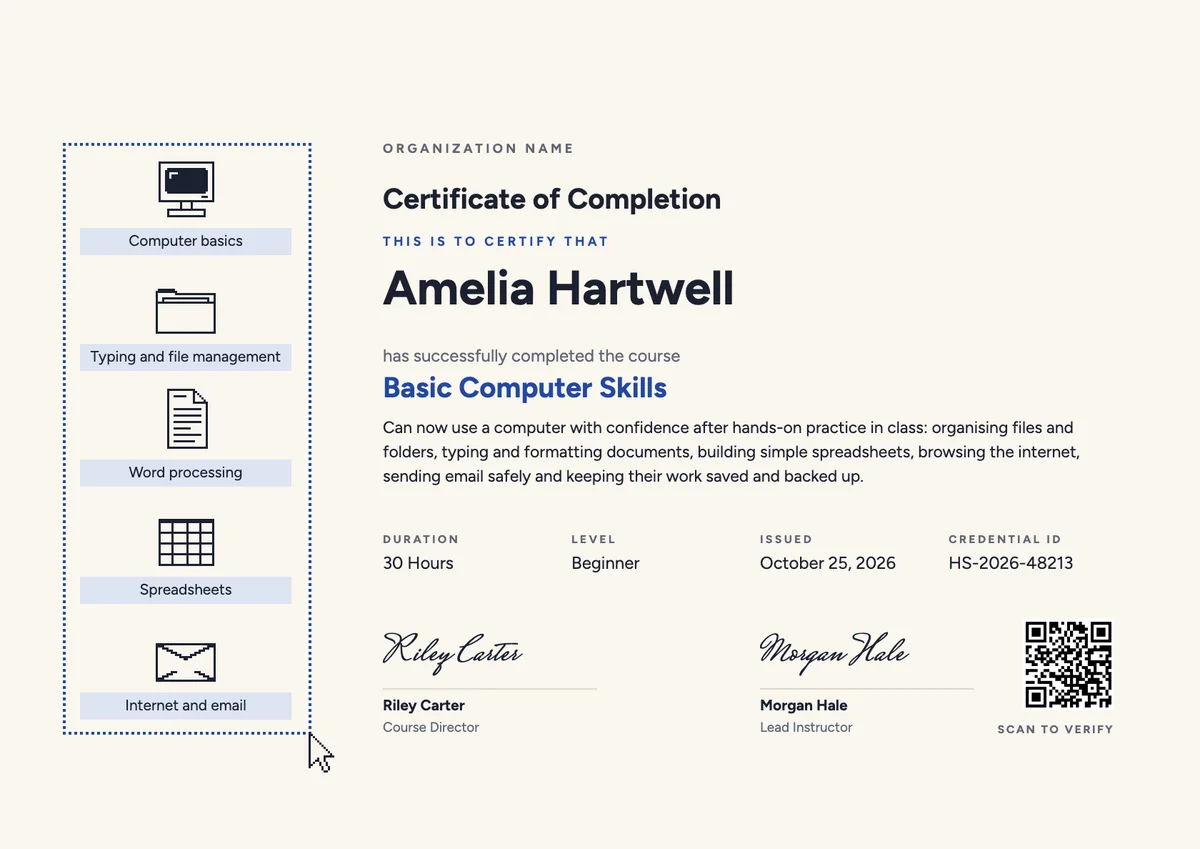
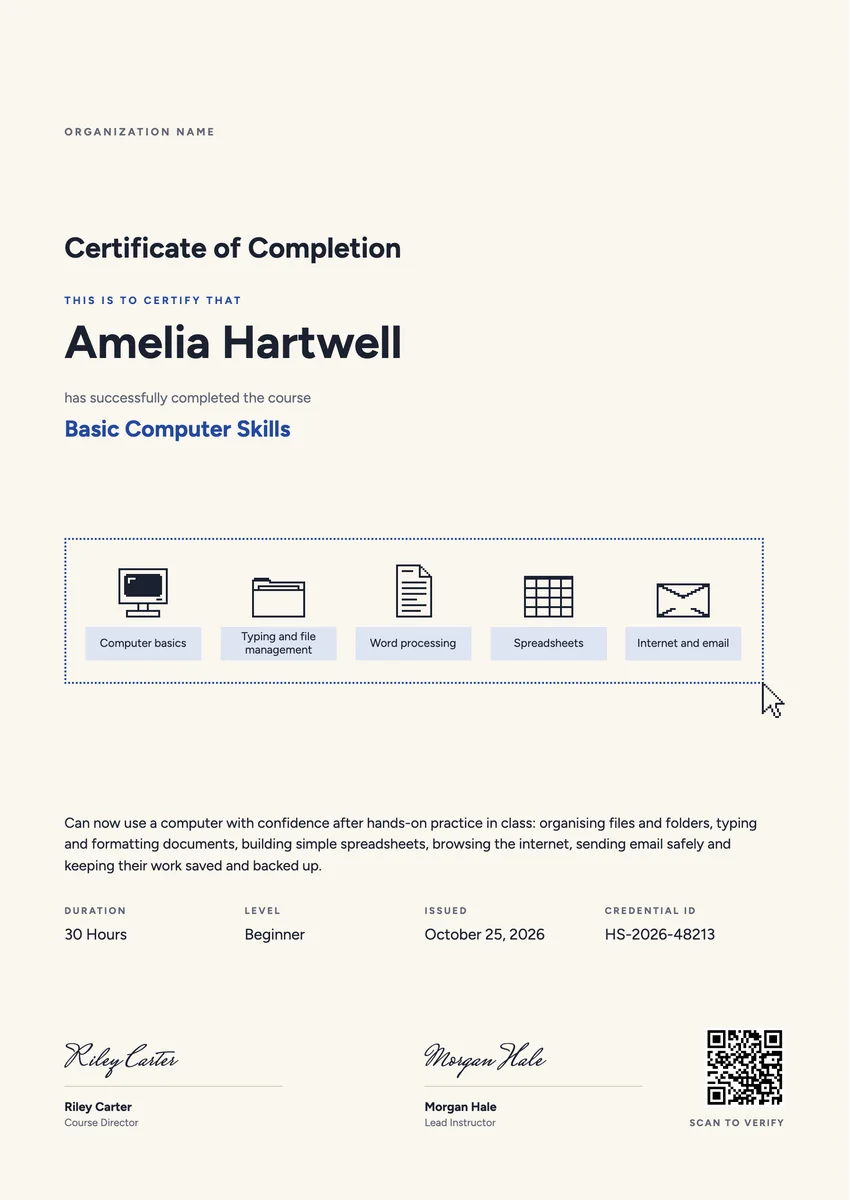
Award a basic computer course for beginners with a landscape certificate framed by a mouse cord, listing five skills, hours, two signatures and a QR code.
Use this design
Add your logo and wording, then send it to everyone at once, each with a link anyone can verify.
Start freeFree for up to 20 recipients a year
Share this design
- A4 and US Letter, composed for each
- Your logo, colours and wording
- A QR code on every copy that proves it is real
- Matching digital badge in the same design
Updated 28 November 2026 · Designed by the Hyperstack studio
What is on it
A complete record, not just a name
You write once
The same for everyone. Keep the template’s words or change them.
- Title
- Certificate
- Statement
- A line of thanks or achievement, written for this topic
- Skills
- Computer basics, Typing and file management, Word processing, Spreadsheets and Internet and email
- Details
- duration and level
- Signatures
- Course Instructor and Director of Training
Filled in for each person
Hyperstack fills these from your list when you send.
- Recipient name
- Program or award name
- Issue date
- Credential ID
- QR code to the verification page
Specifications
Sizes, fonts and colours
Sizes
- A4
- 297 × 210 mm · 11.69 × 8.27 in
- US Letter
- 11 × 8.5 in · 279 × 216 mm
Fonts
- Urbanist
- Title, Text, Labels, Recipient name
- Herr Von Muellerhoff
- Signatures
Google Fonts, free for commercial use.
Colours
- Paper#f8f5ef
- Ink#22252b
- Accent#c8561c
- Second accent#f3dfd1
- Muted text#6a6e76
Change any colour in the studio.
Design notes
On this landscape page the hardware becomes the frame: one ink mouse cord rises from a USB plug at the lower left, arches across the top and drops down the right side into a mouse with its left button clicked in orange. Inside the arch sit the organisation, the learner's name, the course, a short statement, five skills in two columns, duration, level, issue date, credential ID, two signatures and a QR code. A warm, uncluttered choice for a first certificate on the wall.
About
Computer Course Certificate Template, Mouse Cord Frame
A basic computer course is written for people who have used a computer little or not at all: older adults, jobseekers returning to work, newcomers and school leavers. Over a few weeks they learn to turn the machine on, control the mouse, type, keep files in folders, write and format a letter, fill in a simple spreadsheet, search the web safely and send email with an attachment. Adult education centres, libraries, community colleges and training institutes award a certificate of completion once the lessons and practice tasks are done.
Wording on the template“Thirty hours of hands-on practice, from switching on and using the mouse to writing documents, building simple spreadsheets, finding things online and sending email. Ready to use a computer with confidence at home, in study and at work.”More wording ideas for basic computer course certificates
Words that go with it
The email and the post, written for you
Email to send with it
Subject: Well done, name: your computer course certificate is ready
Hi name,
Congratulations on finishing the course. Week by week you went from the basics to working with files, documents, spreadsheets and email on your own, and that took real effort.
Your certificate is ready. Open it to see the skills you covered, download a copy to print for your records, or share it on LinkedIn or with an employer. They can check it is genuine with the QR code.
We hope to see you on the next course.
Hyperstack fills in each person’s name and link when it sends.
Post for the recipient to share
A few months ago I was nervous about using a computer at all. Today I finished my basic computer skills course: I can organise my files, write and format documents, build a simple spreadsheet and use email with confidence. Thank you to my tutor for the patience in every class. Next step: putting these skills to work. #DigitalSkills #LifelongLearning
Recipients share it with one click from their credential page, with the badge attached.
Printing
Printing it well
Print at actual size
Choose “Actual size” or 100% in the print dialog, not “Fit to page”, so the margins and the QR code keep their size.
Use card, not paper
A matte or silk card of 200–300 gsm (about 80–110 lb cover) feels like an award and does not curl in a frame.
Frame it
A4 fits a standard 21 × 29.7 cm frame; US Letter fits an 8.5 × 11 in frame, or an 11 × 14 in frame with a mat. Hang it on its side, as designed.
Mind the edges
Most home printers leave a thin white border. For a design that runs to the edge, use a print shop or your printer’s borderless setting.
Certificate or badge?
Send both. They do different jobs.
Certificate
- A full record: name, statement, skills, dates and signatures
- Printed and framed, or kept as a PDF
- Opens to a page anyone can verify
Digital badge
- A small image people put on LinkedIn and in email signatures
- Carries the verified details inside it (Open Badges 2.0)
- One click shows who earned it and who issued it
How to send it
From template to everyone’s inbox
- 01
Make it yours
Open the template, add your logo and change any colour or word.
- 02
Add your people
Upload a spreadsheet, or connect your LMS, HR tool or form.
- 03
Send it
Each person gets an email and their own credential page, in one go.
- 04
They share it
Recipients add it to LinkedIn; anyone can verify it from the QR code.
Free for up to 20 recipients a year
It comes in A4 (297 × 210 mm) and US Letter (11 × 8.5 in). Pick the paper in the studio; the layout is composed for each one, not stretched.
Urbanist (title, text, labels, recipient name), Herr Von Muellerhoff (signatures). All are Google Fonts, free for personal and commercial use, and you can swap any of them in the studio.
Yes. Every text, colour and drawing is its own layer in the studio. Add your logo in the logo spot; the design keeps its balance with a wide or a square logo.
Yes. Each recipient gets their own credential page, where they download a PDF in the paper size you chose, or share a link that anyone can verify.
Yes. This design is part of a set: Mouse Cord Basic Computer Course Badge and Mouse Cord Basic Computer Course Certificate, Portrait. Issue them together so the certificate and the badge read as one award for basic computer course.
More certificate templates
All certificate templates
Landscape certificate · A4 + US Letter
AI Literacy Certificate, Landscape
Landscape certificate · A4 + US Letter
AI Professional Certificate
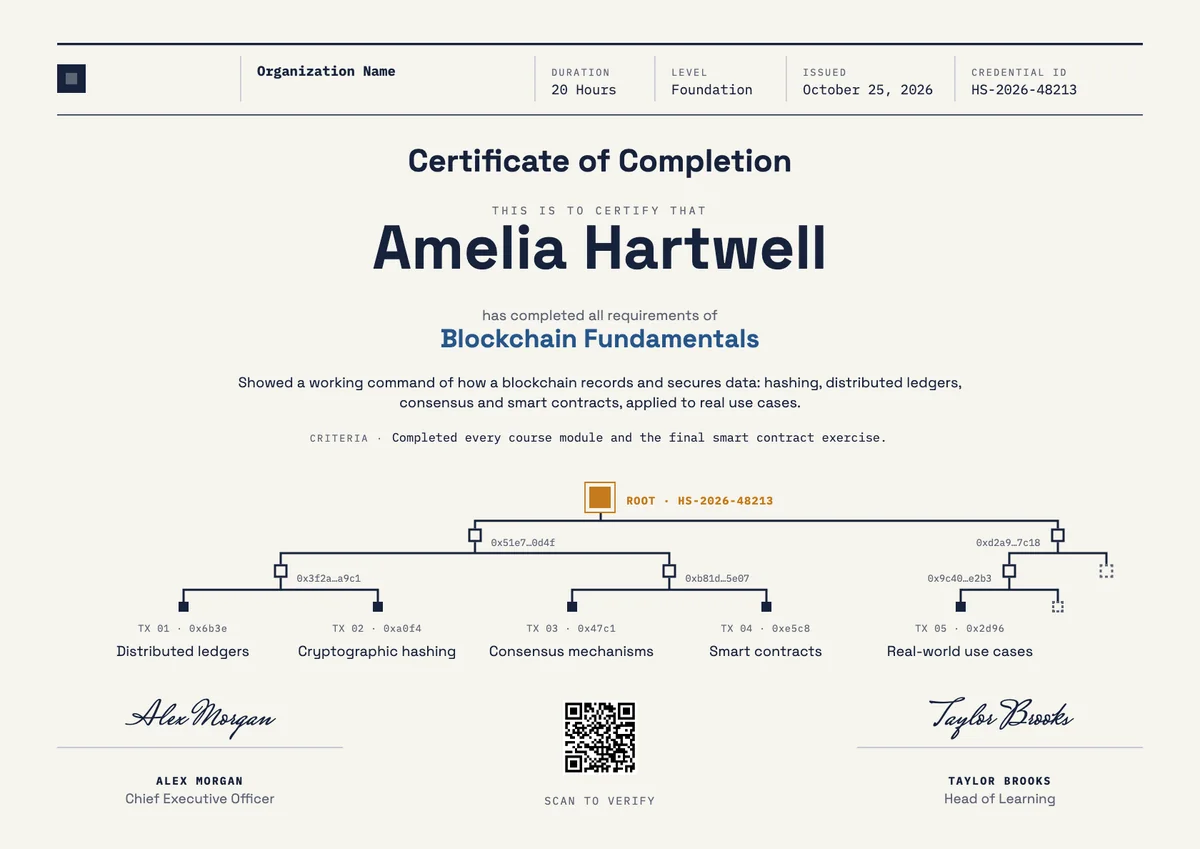
Landscape certificate · A4 + US Letter
Blockchain Certificate, Landscape
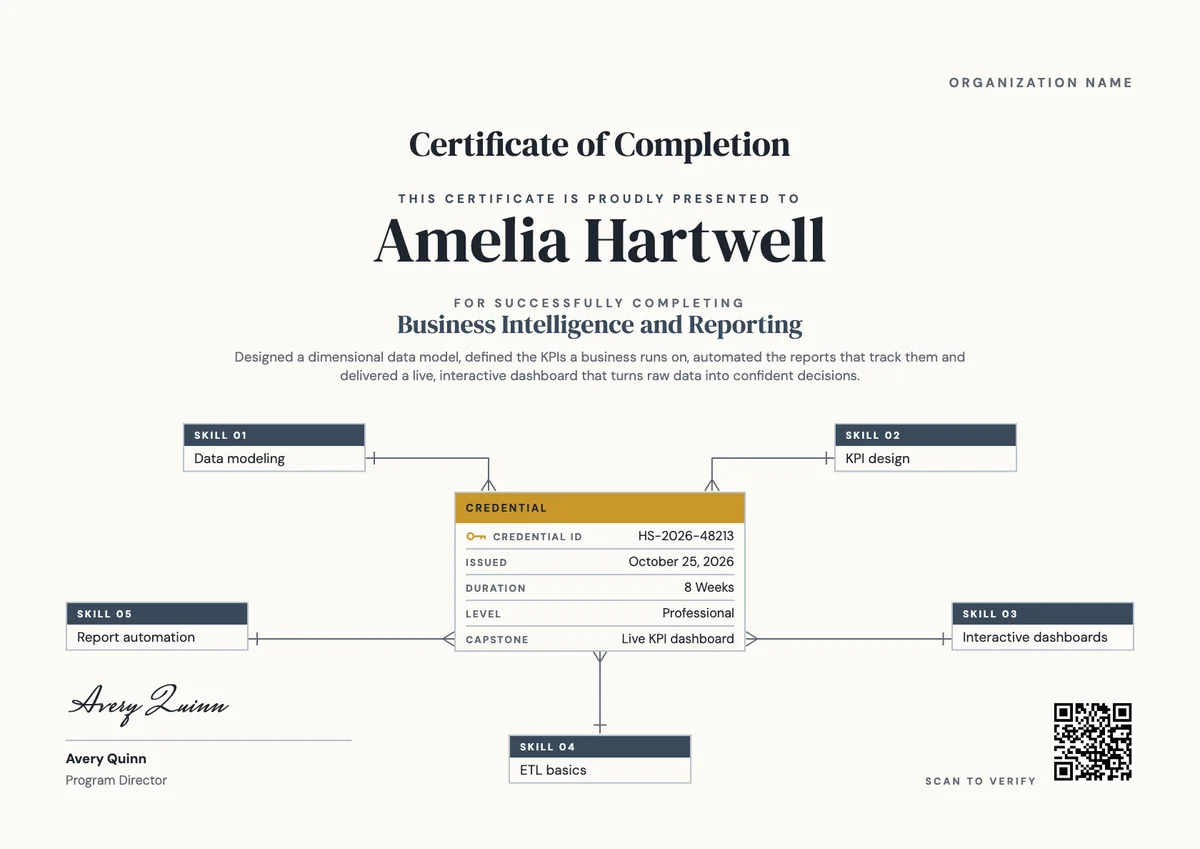
Landscape certificate · A4 + US Letter
Business Intelligence Certificate
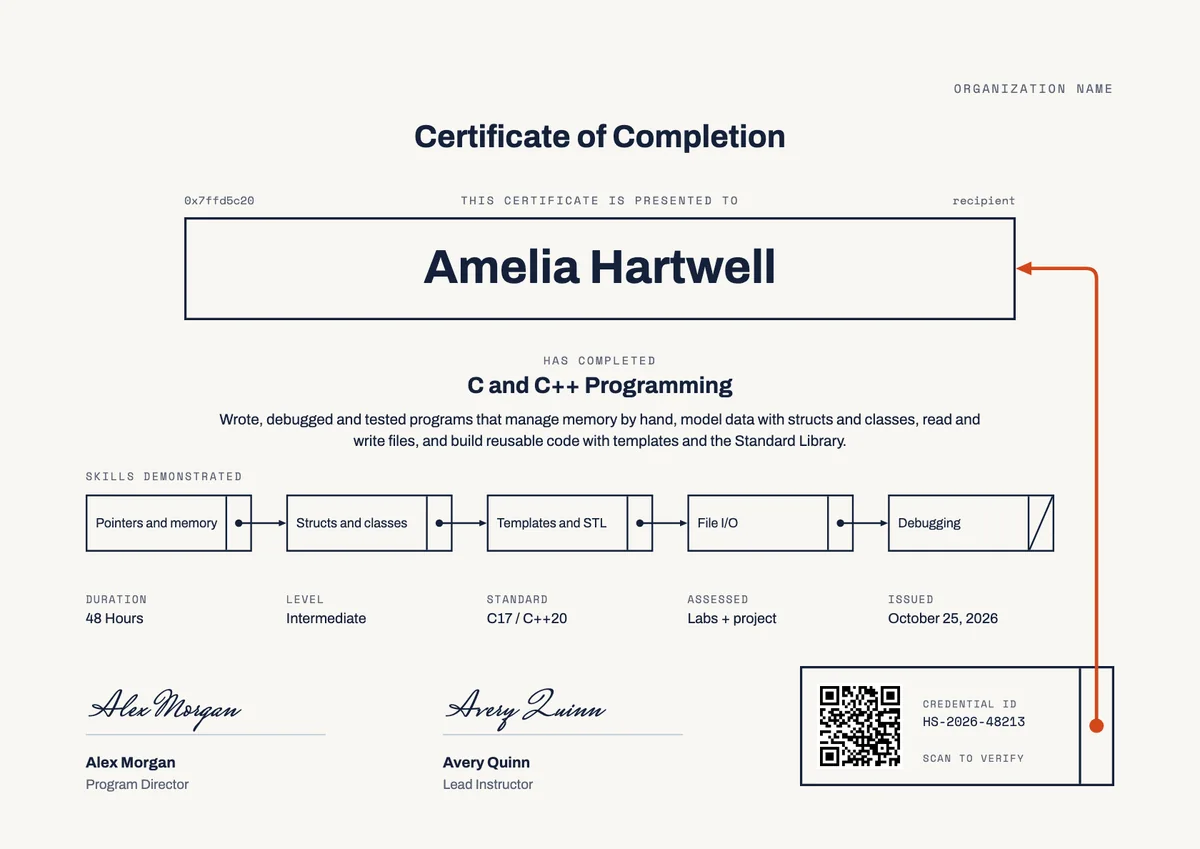
Landscape certificate · A4 + US Letter
C and C++ Certificate of Completion
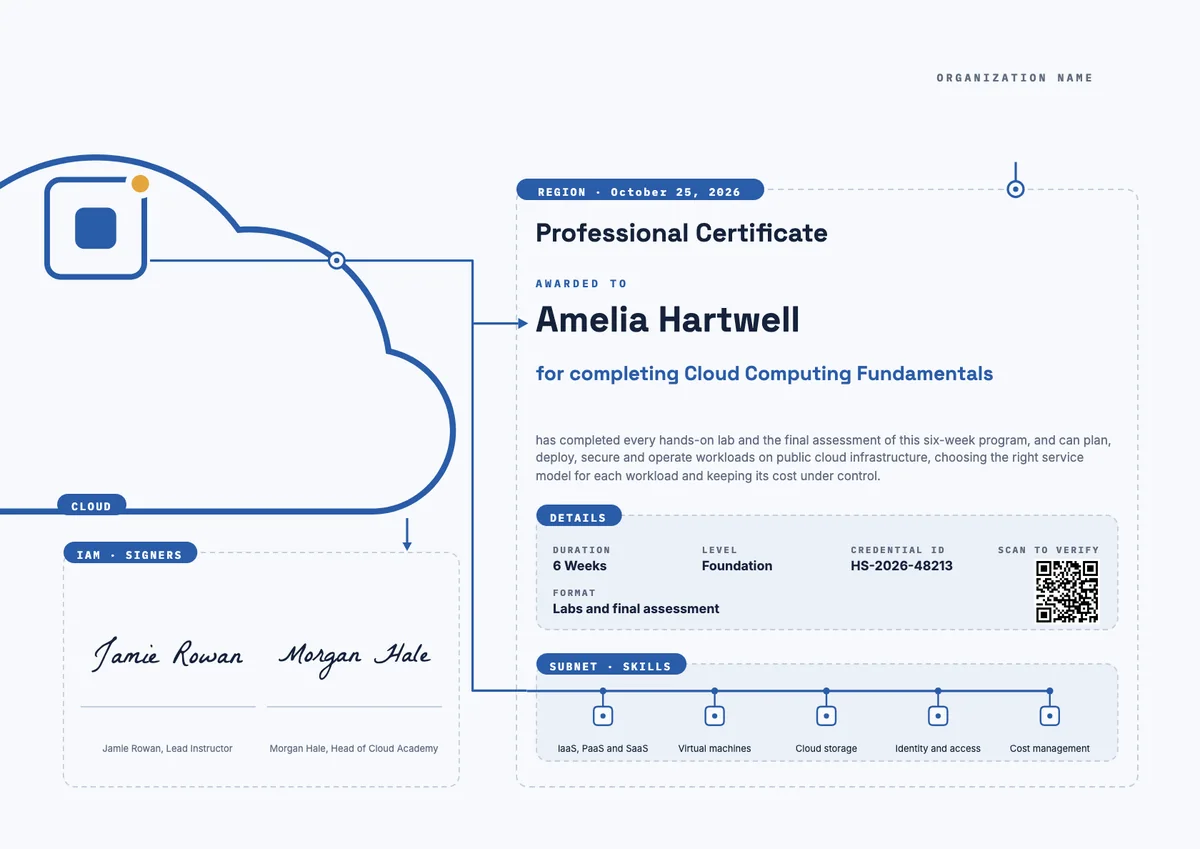
Landscape certificate · A4 + US Letter
Cloud Computing Landscape Certificate
Landscape certificate
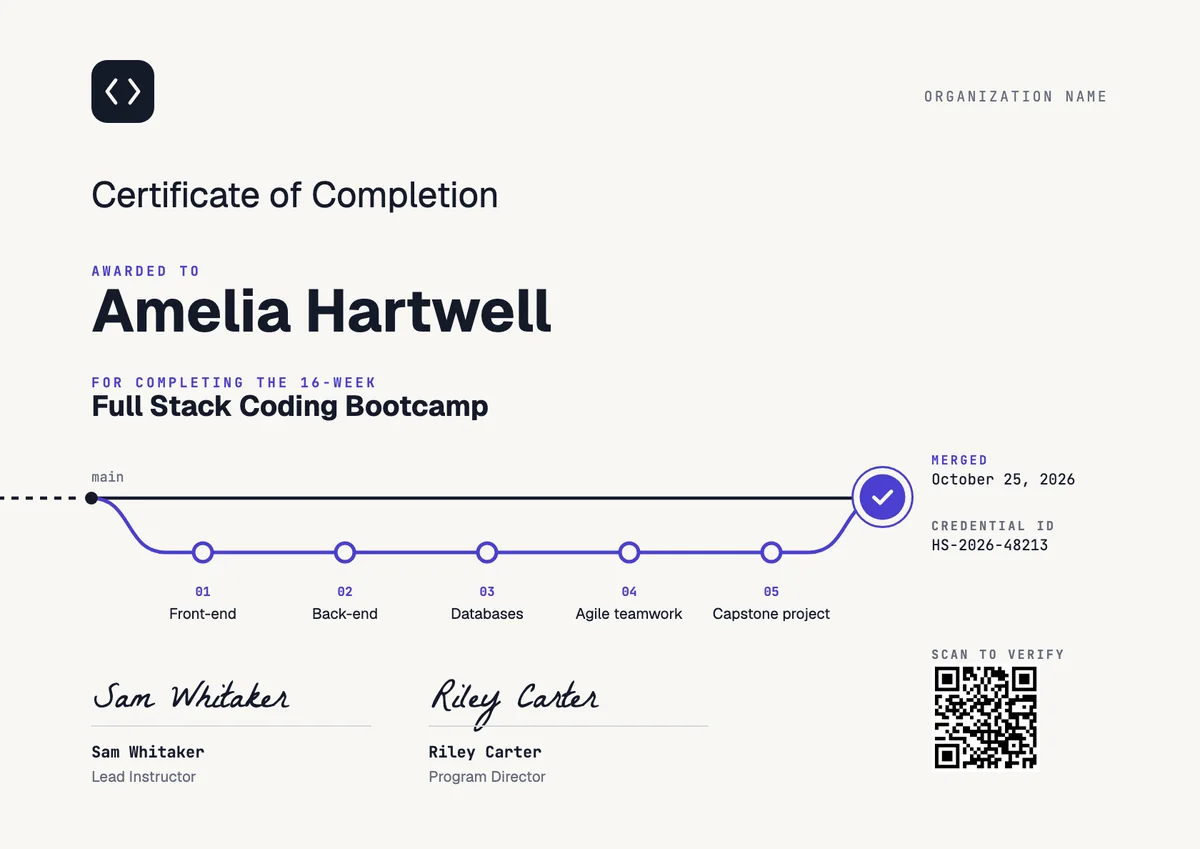
Coding Bootcamp Certificate
Landscape certificate · A4 + US Letter
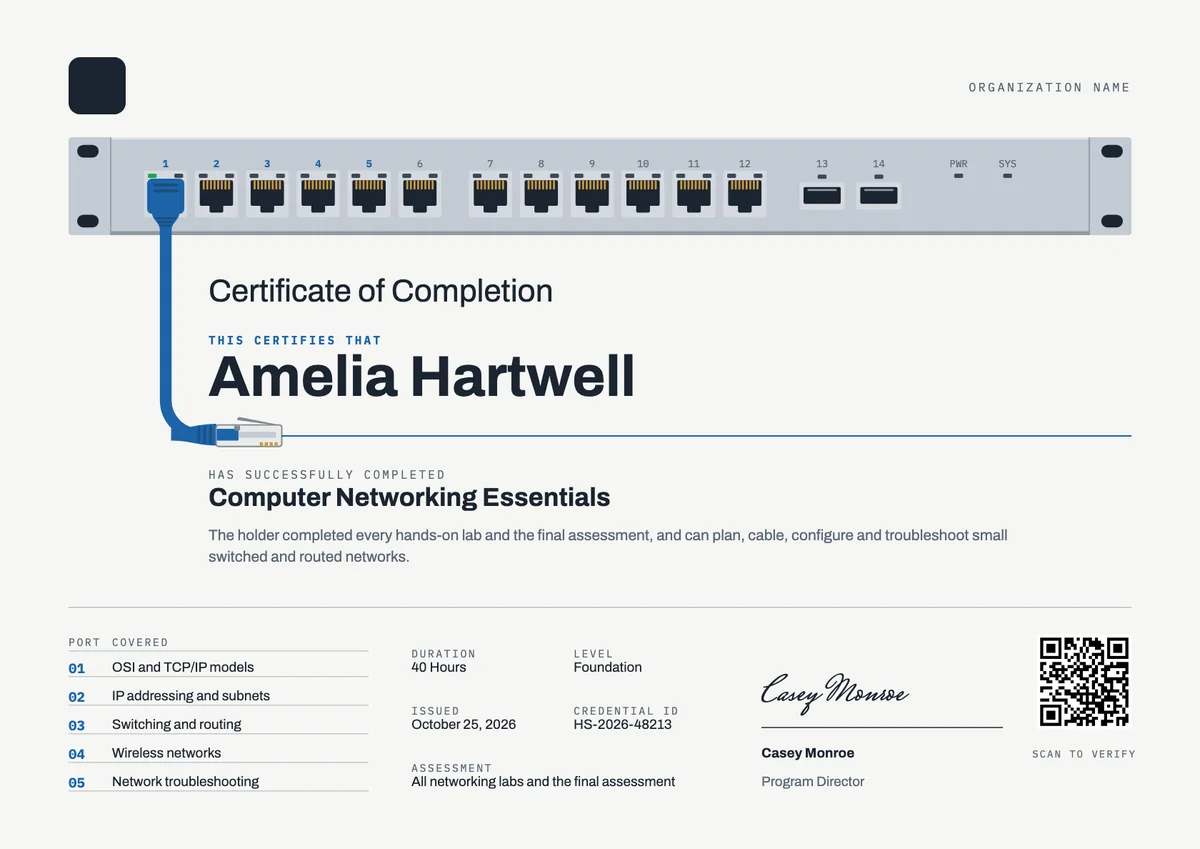
Computer Networking Certificate
Browse by topic
Trusted by universities, enterprises and certification bodies worldwide









Your next cohort deserves better than a PDF
Set up in minutes, send your first credentials today, and only pay once you grow past 20 recipients a year.
Or open a live sample credential