Operatory Clock Dental Assistant Certificate, Portrait
Get the matching set
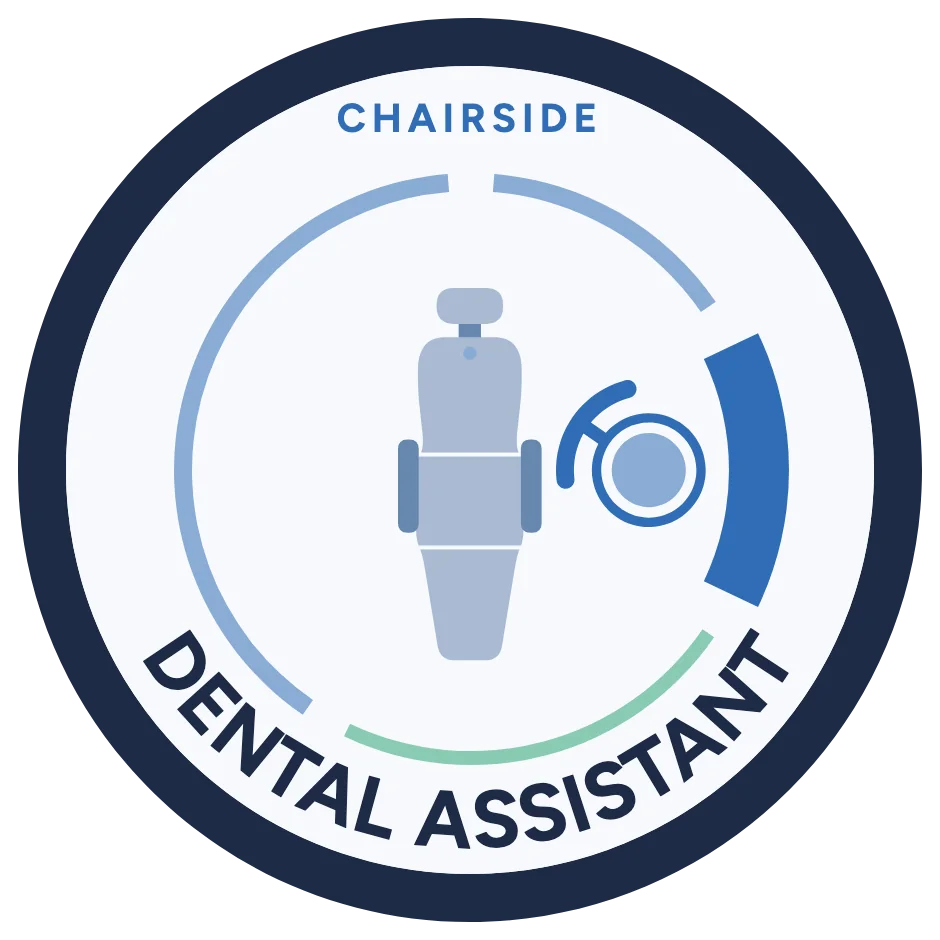
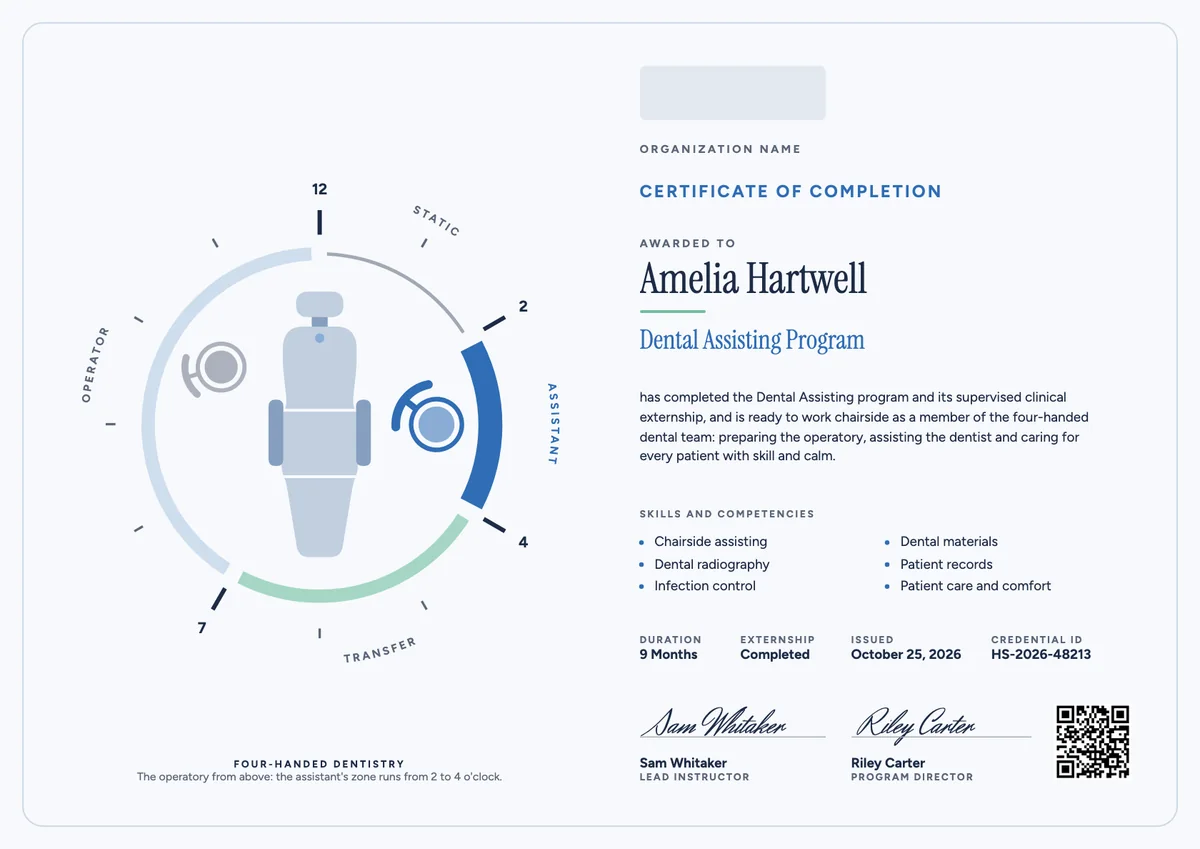
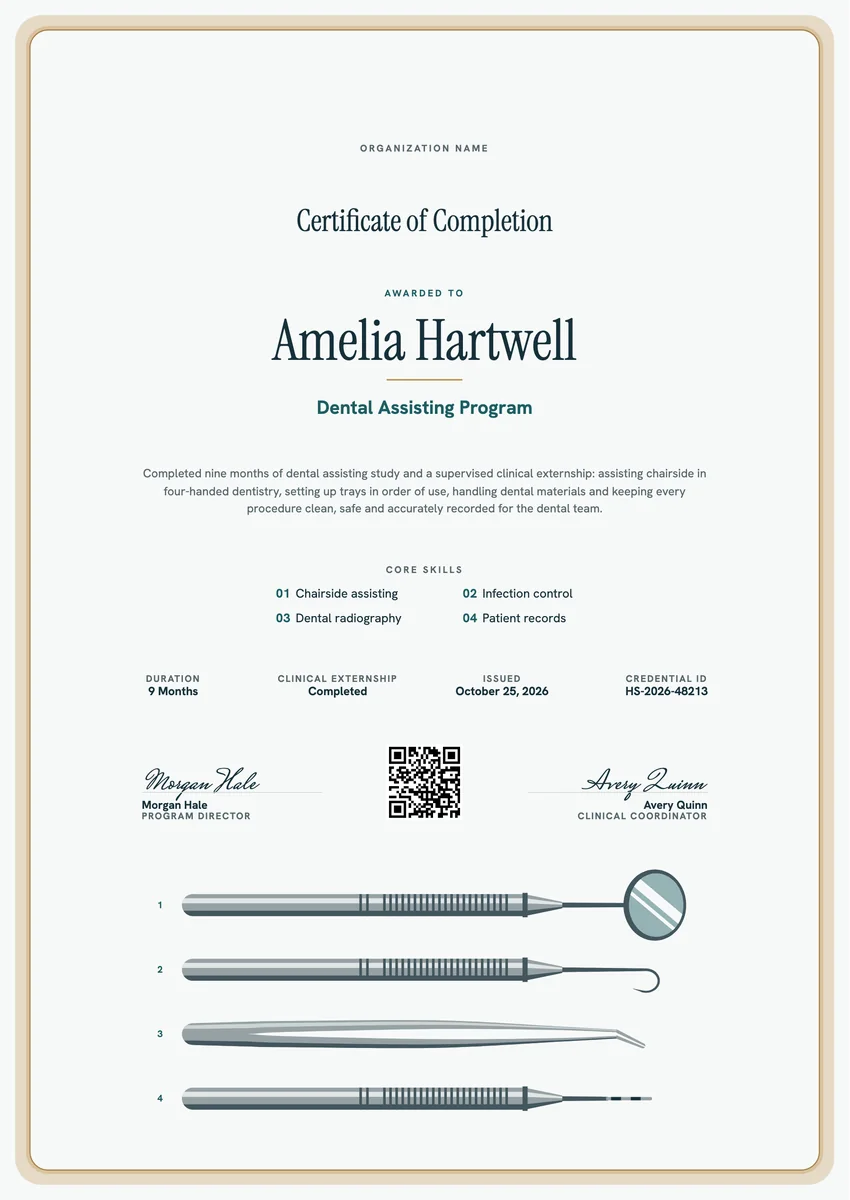
Portrait dental assisting certificate with a clock-dial crest of the operatory, the assistant's zone in bold, skills, externship details and a centred QR code.
Use this design
Add your logo and wording, then send it to everyone at once, each with a link anyone can verify.
Start freeFree for up to 20 recipients a year
Share this design
- A4 and US Letter, composed for each
- Your logo, colours and wording
- A QR code on every copy that proves it is real
- Matching digital badge in the same design
Updated 29 November 2026 · Designed by the Hyperstack studio
What is on it
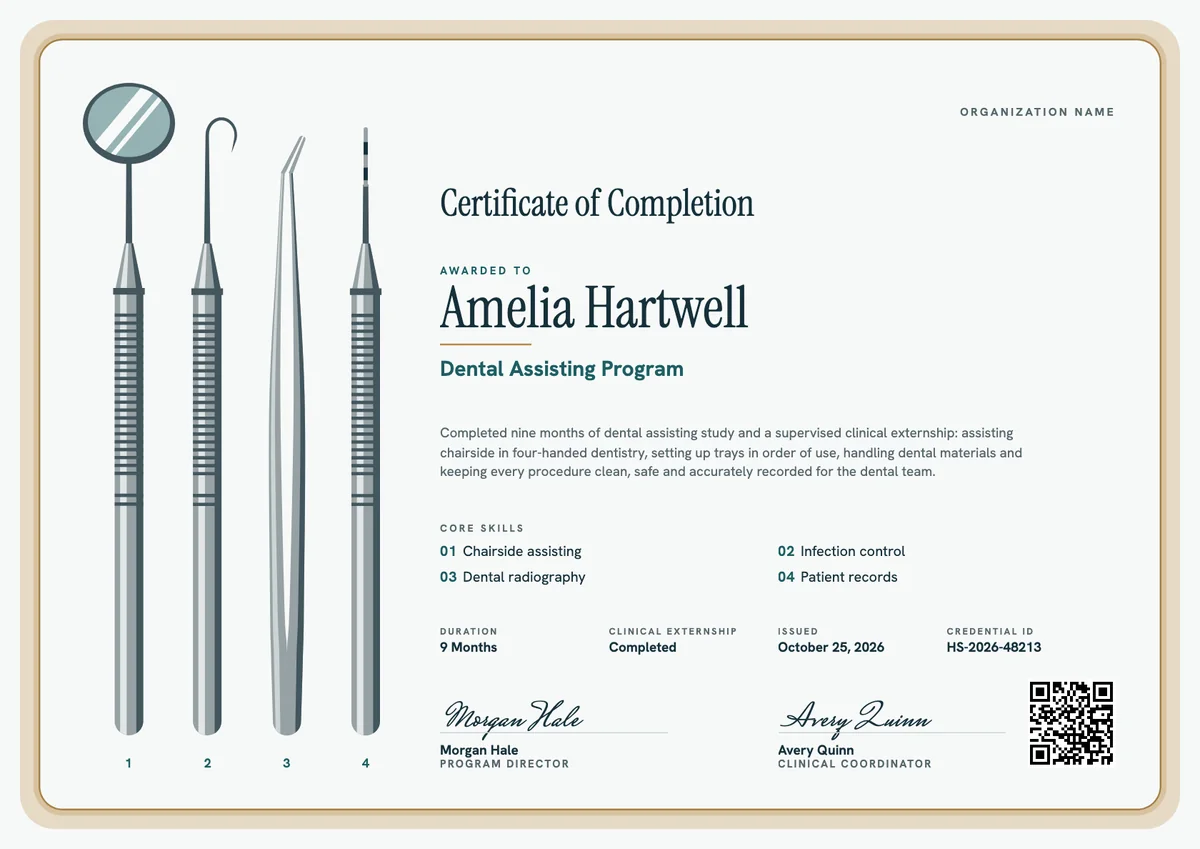
A complete record, not just a name
You write once
The same for everyone. Keep the template’s words or change them.
- Title
- Certificate
- Statement
- A line of thanks or achievement, written for this topic
- Skills and competencies
- Chairside assisting, Dental radiography, Infection control, Dental materials, Patient records and Patient care and comfort
- Details
- duration and externship
- Signatures
- Lead Instructor and Program Director
Filled in for each person
Hyperstack fills these from your list when you send.
- Recipient name
- Program or award name
- Issue date
- Credential ID
- QR code to the verification page
Specifications
Sizes, fonts and colours
Sizes
- A4
- 210 × 297 mm · 8.27 × 11.69 in
- US Letter
- 8.5 × 11 in · 216 × 279 mm
Fonts
- Instrument Serif
- Title, Recipient name
- Figtree
- Text, Labels
- Herr Von Muellerhoff
- Signatures
Google Fonts, free for commercial use.
Colours
- Paper#f7f9fc
- Ink#1d2b45
- Accent#2f6db5
- Second accent#6fbf9f
- Muted text#5a6678
Change any colour in the studio.
Design notes
The portrait format suits a framed print in a practice or a page in a graduate's portfolio. The dial sits at the top like a crest, with the assistant's arc in solid cobalt and the stool at 3 o'clock, and everything below follows one centred column: the certificate title, the graduate's name, the program, a statement, skills in three short columns, the duration, externship, issue date and credential ID. Two signatures frame a centred QR code at the foot.
About
Dental Assisting Certificate Template, Clock Dial Portrait
Every new dental assistant learns the operatory as a clock. With the patient's head at 12, a right-handed dentist works between 7 and 12, the assistant sits between 2 and 4, instruments change hands in the transfer zone from 4 to 7, and the area from 12 to 2 stays clear for equipment. A dental assistant school that teaches this, along with radiography, infection control and record keeping, closes the course with a certificate of completion after the externship.
Wording on the template“has completed the Dental Assisting program and its supervised clinical externship, and is ready to work chairside as a member of the four-handed dental team: preparing the operatory, assisting the dentist and caring for every patient with skill and calm.”More wording ideas for dental assistant certificates
Words that go with it
The email and the post, written for you
Email to send with it
Subject: name, your dental assisting certificate of completion is ready
Hi name,
Congratulations on finishing the Dental Assisting Program. You learned to set up a tray in order of use, kept every instrument clean and sterile, took your first radiographs and spent your externship chairside with real patients.
Your certificate of completion is ready at the link below. You can download it, print a copy for your interviews and share it with the practices you apply to.
The whole team is proud of you. We wish you a great start in your first dental office.
Hyperstack fills in each person’s name and link when it sends.
Post for the recipient to share
I have finished my dental assisting program! Nine months of chairside assisting, infection control, radiography and patient records, ending with a clinical externship where I worked alongside a dental team every day. Thank you to my instructors and to the practice that welcomed me. Now I am looking for my first role as a dental assistant. #DentalAssistant #DentalAssisting #Dentistry
Recipients share it with one click from their credential page, with the badge attached.
Printing
Printing it well
Print at actual size
Choose “Actual size” or 100% in the print dialog, not “Fit to page”, so the margins and the QR code keep their size.
Use card, not paper
A matte or silk card of 200–300 gsm (about 80–110 lb cover) feels like an award and does not curl in a frame.
Frame it
A4 fits a standard 21 × 29.7 cm frame; US Letter fits an 8.5 × 11 in frame, or an 11 × 14 in frame with a mat. Hang it upright, as designed.
Mind the edges
Most home printers leave a thin white border. For a design that runs to the edge, use a print shop or your printer’s borderless setting.
Certificate or badge?
Send both. They do different jobs.
Certificate
- A full record: name, statement, skills, dates and signatures
- Printed and framed, or kept as a PDF
- Opens to a page anyone can verify
Digital badge
- A small image people put on LinkedIn and in email signatures
- Carries the verified details inside it (Open Badges 2.0)
- One click shows who earned it and who issued it
How to send it
From template to everyone’s inbox
- 01
Make it yours
Open the template, add your logo and change any colour or word.
- 02
Add your people
Upload a spreadsheet, or connect your LMS, HR tool or form.
- 03
Send it
Each person gets an email and their own credential page, in one go.
- 04
They share it
Recipients add it to LinkedIn; anyone can verify it from the QR code.
Free for up to 20 recipients a year
It comes in A4 (210 × 297 mm) and US Letter (8.5 × 11 in). Pick the paper in the studio; the layout is composed for each one, not stretched.
Instrument Serif (title, recipient name), Figtree (text, labels), Herr Von Muellerhoff (signatures). All are Google Fonts, free for personal and commercial use, and you can swap any of them in the studio.
Yes. Every text, colour and drawing is its own layer in the studio. Add your logo in the logo spot; the design keeps its balance with a wide or a square logo.
Yes. Each recipient gets their own credential page, where they download a PDF in the paper size you chose, or share a link that anyone can verify.
Yes. This design is part of a set: Operatory Clock Dental Assistant Badge and Operatory Clock Dental Assistant Certificate. Issue them together so the certificate and the badge read as one award for dental assistant.
More certificate templates
All certificate templates
Landscape certificate · A4 + US Letter
Anger Management Certificate
Landscape certificate · A4 + US Letter
Autism Awareness Training Certificate
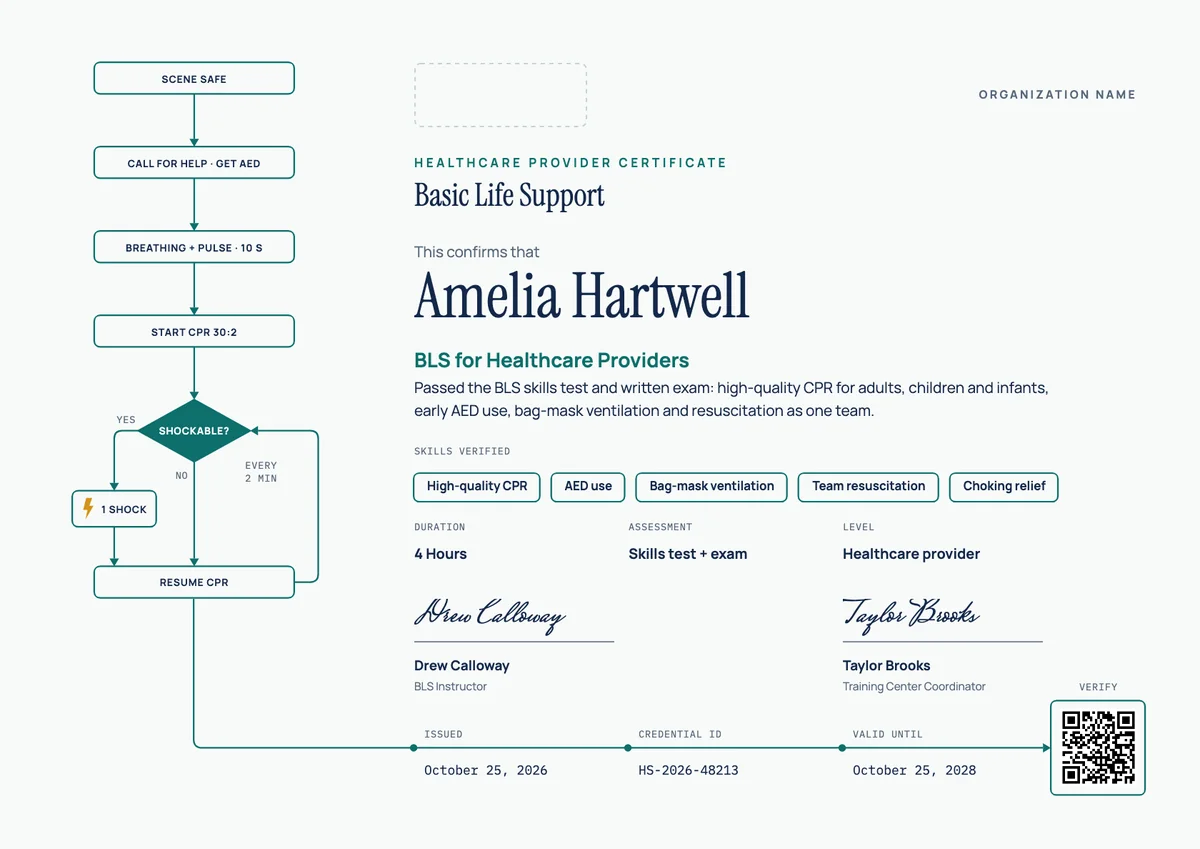
Landscape certificate · A4 + US Letter
BLS Landscape Certificate
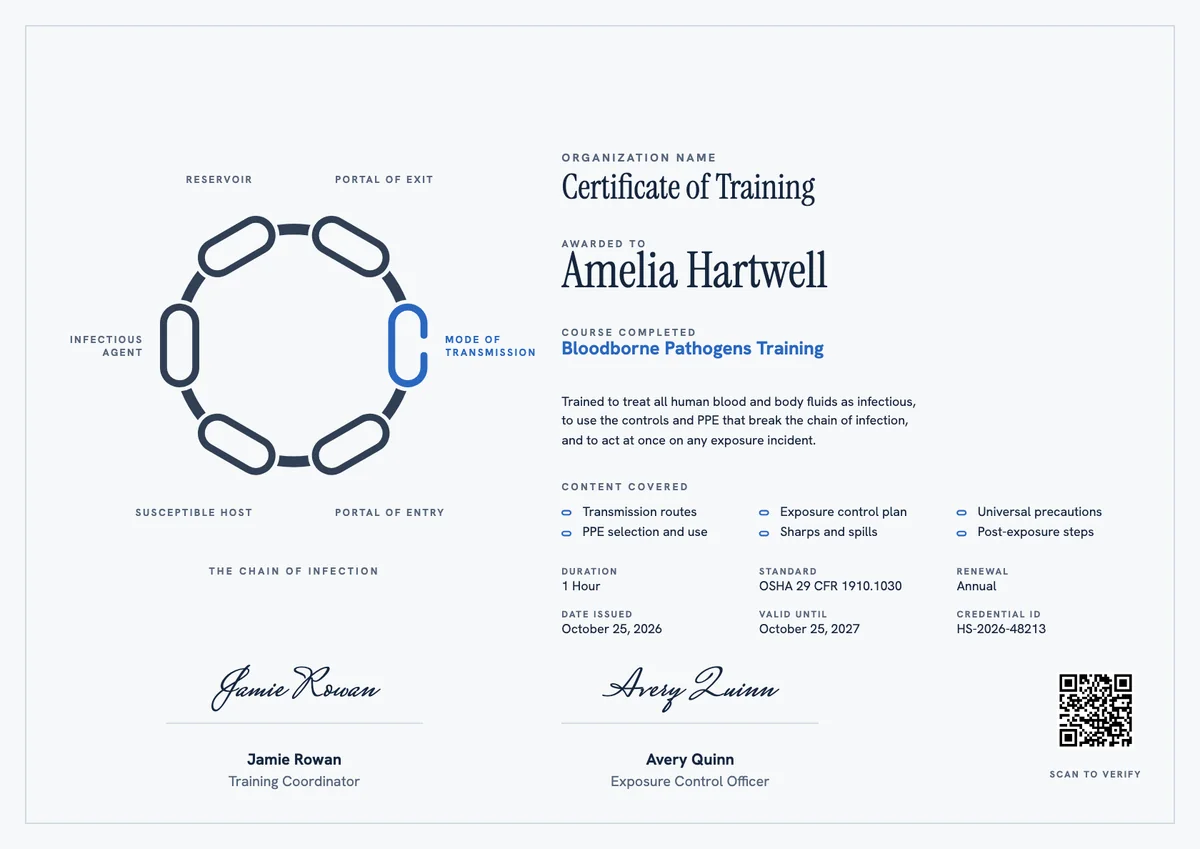
Landscape certificate · A4 + US Letter
Bloodborne Pathogens Certificate
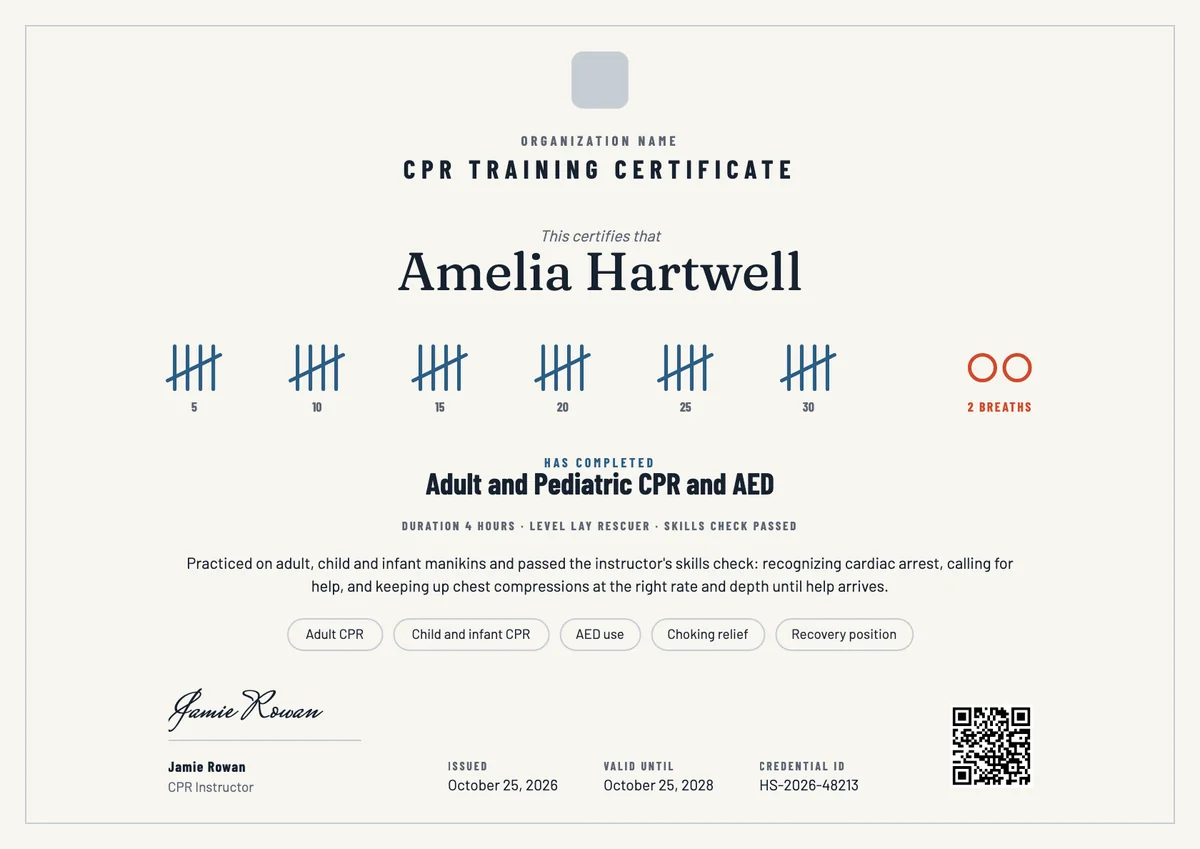
Landscape certificate · A4 + US Letter
CPR Training Landscape Certificate
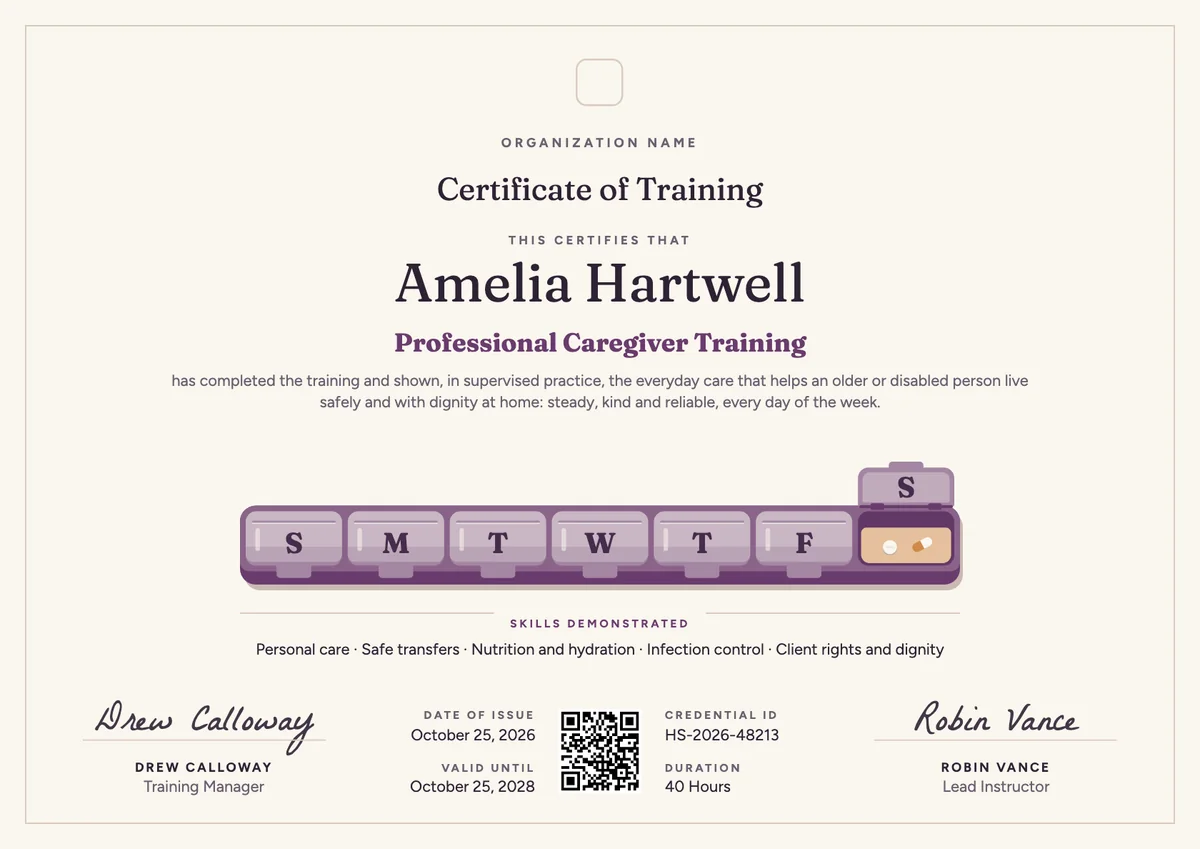
Landscape certificate · A4 + US Letter
Caregiver Training Certificate
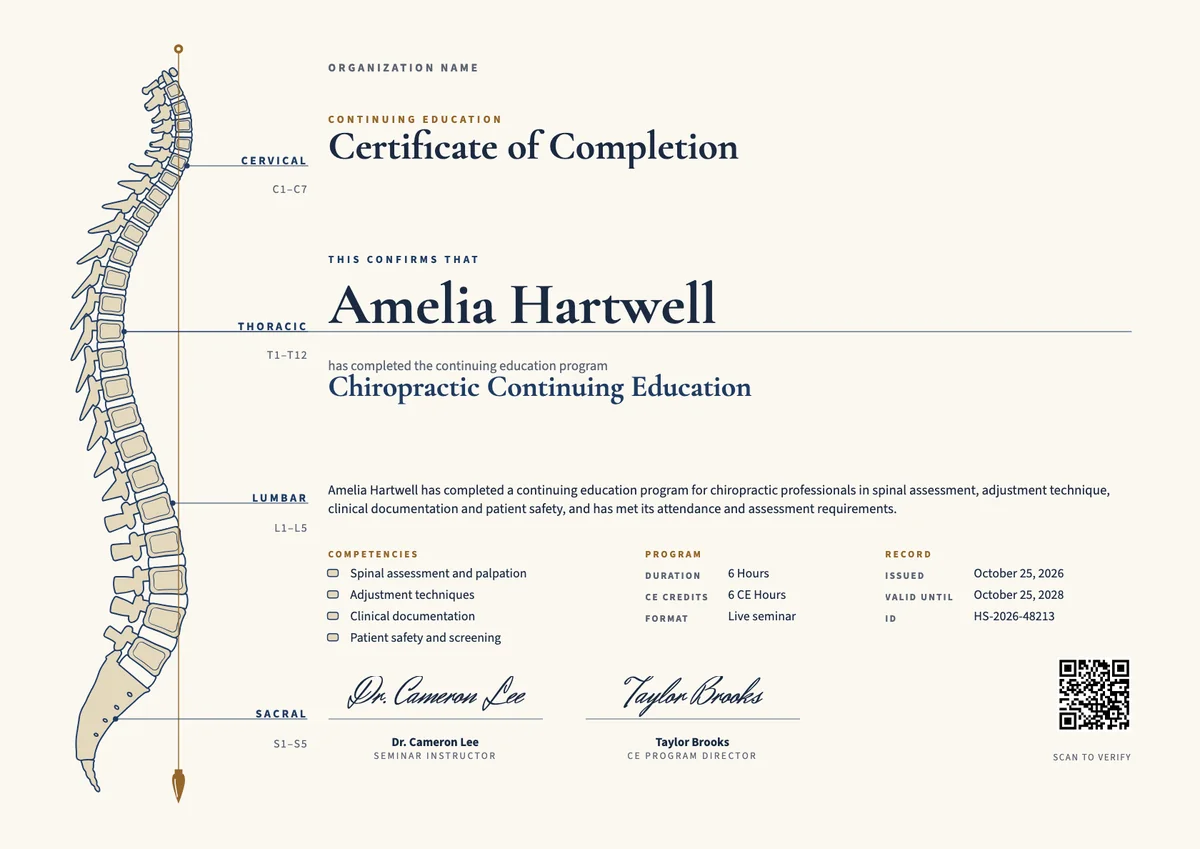
Landscape certificate · A4 + US Letter
Chiropractic CE Certificate
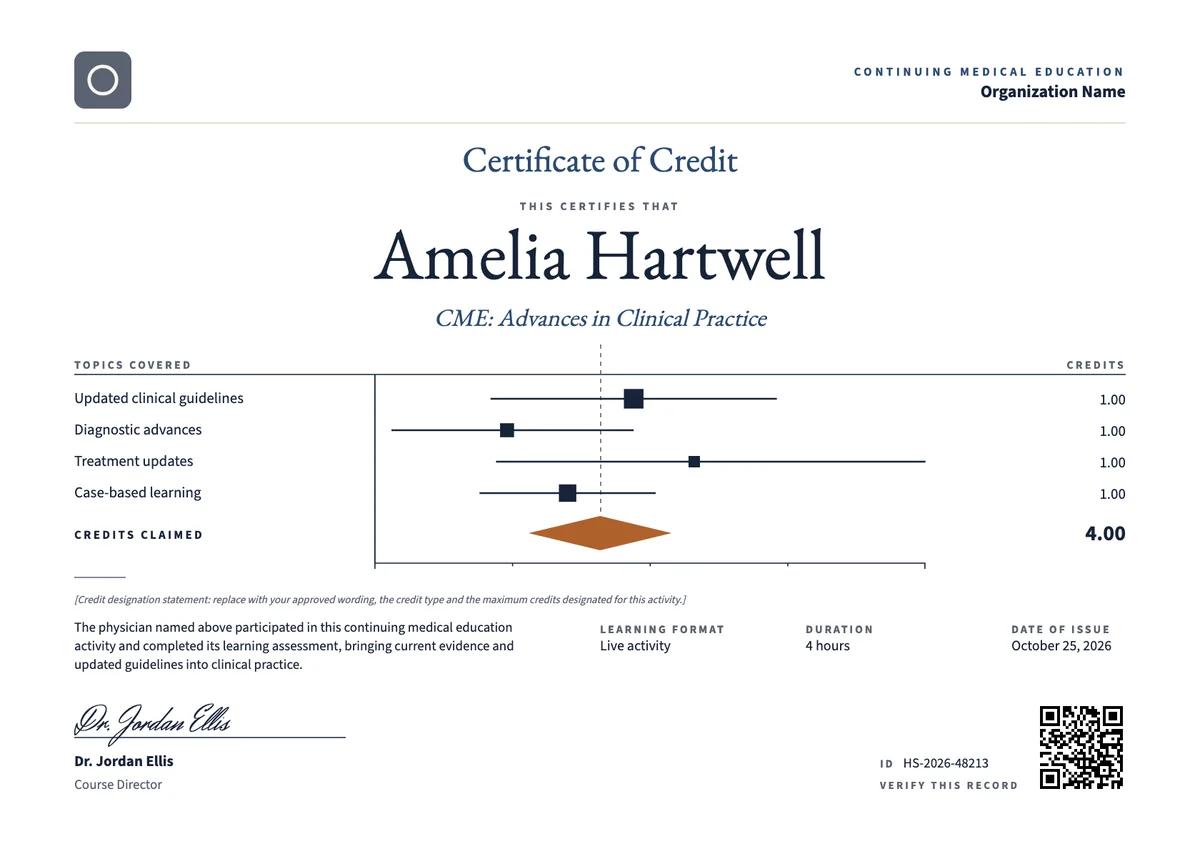
Landscape certificate · A4 + US Letter
CME Certificate of Credit
Browse by topic
Trusted by universities, enterprises and certification bodies worldwide









Your next cohort deserves better than a PDF
Set up in minutes, send your first credentials today, and only pay once you grow past 20 recipients a year.
Or open a live sample credential