Winners Envelope Award Certificate Badge
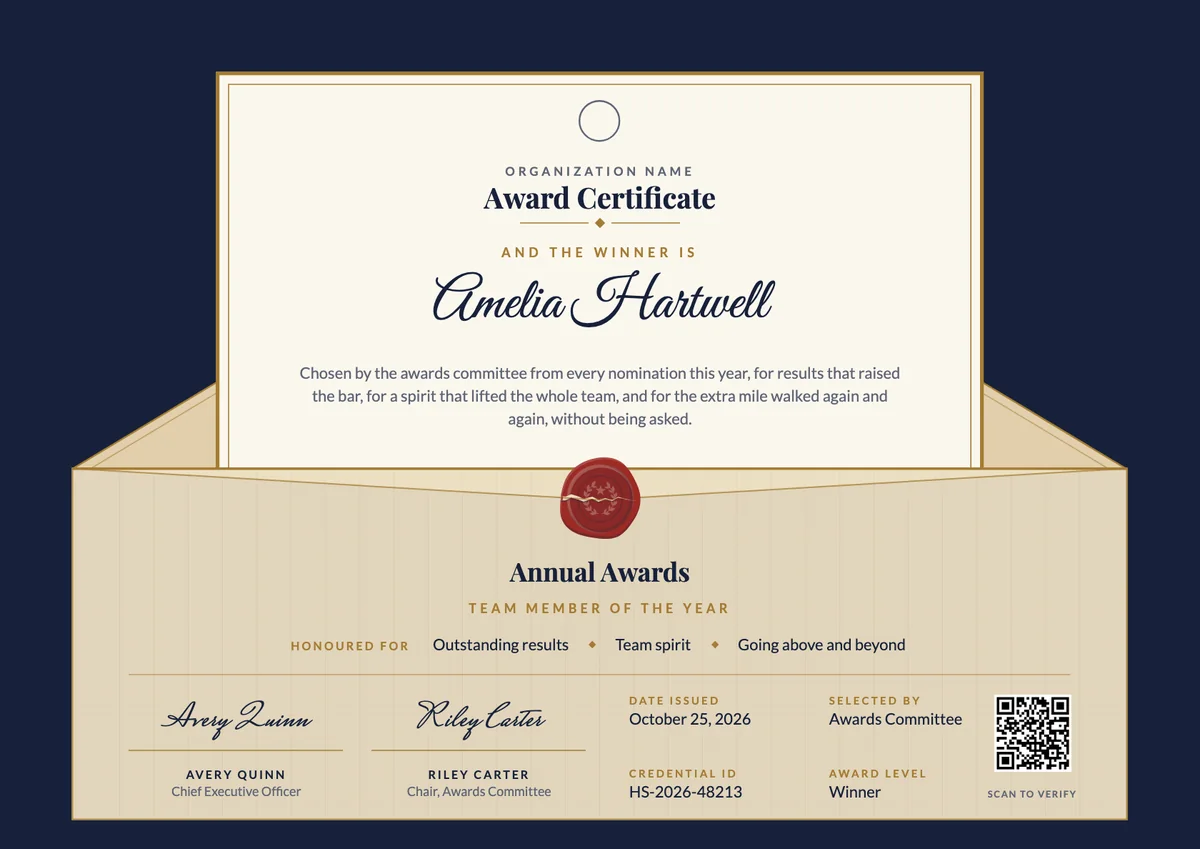
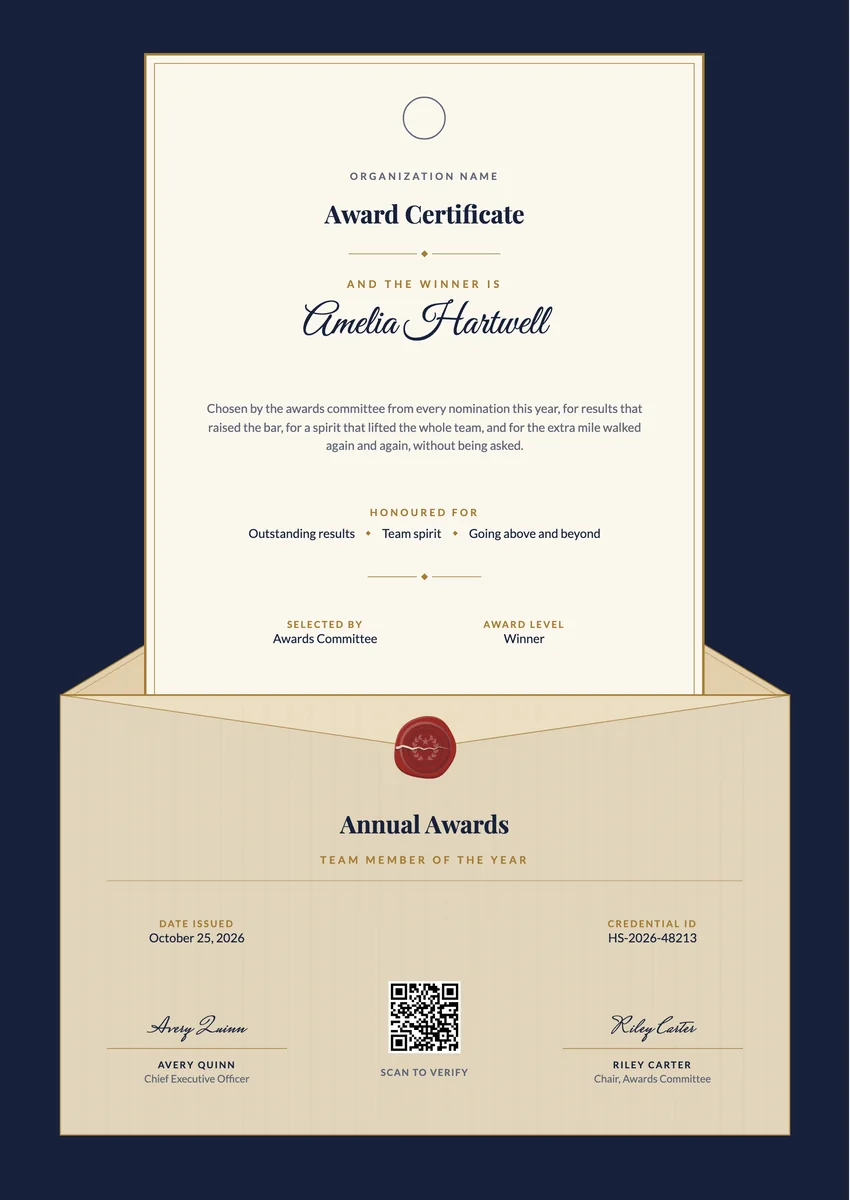
Matching certificates
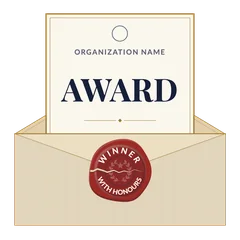
A digital award badge for winners: an ivory AWARD card half out of an envelope, closed by a cracked red wax seal reading WINNER WITH HONOURS.
Use this design
Add your logo and wording, then send it to everyone at once, each with a link anyone can verify.
Start freeFree for up to 20 recipients a year
Share this design
- Round badge, readable at profile-picture size
- Your logo, colours and wording
- Each badge links to a verified record
- Matching certificates in the same design
Updated 7 November 2026 · Designed by the Hyperstack studio
See it where it lives
Drawn to read at small sizes
A badge is mostly seen small. These are its real sizes on screen.
On a profile
120 px
In a list of badges
64 px
In an email signature
40 px
What is on it
A badge people are proud to show
You write once
The same for everyone. Keep the template’s words or change them.
- Badge words
- Award
Filled in for each person
Hyperstack fills these from your list when you send.
- The recipient’s name and the award, in the badge’s verified record
- The issue date and a credential ID
- A link anyone can click to verify it
Specifications
Sizes, fonts and colours
Sizes
- Badge
- 470 × 470 px, round · Reads at 120 px on a profile
Colours
- Paper#fbf7ee
- Ink#17213a
- Accent#9c2b25
- Second accent#a57c34
- Muted text#5f6575
Change any colour in the studio.
Design notes
The badge shows the instant of the reveal. An ivory card with a gilt edge, carrying the logo, the organisation's name and the word AWARD in large capitals, is half drawn out of a cream envelope. On the envelope sits a red wax seal, split where it was broken open, with WINNER curved over the top and WITH HONOURS under it. The bold card-and-envelope outline and the big word keep it readable at profile-picture size.
About
Award Badge Template, Winner's Envelope and Wax Seal
When an award is announced, the winner wants to show it beyond the room. A digital award badge does that: the recipient adds it to a LinkedIn profile, an email signature or a portfolio, and anyone who clicks it sees the award, the category and the organisation that chose them. Employers issue it after an annual awards evening, associations after an industry award ceremony, and schools and clubs to students and members who won a prize.
More wording ideas for award certificate certificatesWords that go with it
The email and the post, written for you
Email to send with it
Subject: name, you are a winner: your award certificate is here
Hi name,
Congratulations! You were chosen for this award from a strong field of nominees, and we are delighted to make it official. The people who picked you were impressed by what you achieved this year and by how you achieved it.
Your award certificate is ready. Open it to see it, download a copy to print and frame, or share it on LinkedIn so your network can celebrate with you.
Well done, and thank you from all of us.
Hyperstack fills in each person’s name and link when it sends.
Post for the recipient to share
Last night at our annual awards I heard my name read out as Team Member of the Year, and I am still smiling. This award belongs to the whole team: every late fix, every shared idea and every bit of encouragement. Thank you to my colleagues and my manager for an unforgettable year. #Awards #TeamWork #Recognition
Recipients share it with one click from their credential page, with the badge attached.
Certificate or badge?
Send both. They do different jobs.
Certificate
- A full record: name, statement, skills, dates and signatures
- Printed and framed, or kept as a PDF
- Opens to a page anyone can verify
Digital badge
- A small image people put on LinkedIn and in email signatures
- Carries the verified details inside it (Open Badges 2.0)
- One click shows who earned it and who issued it
How to send it
From template to everyone’s inbox
- 01
Make it yours
Open the template, add your logo and change any colour or word.
- 02
Add your people
Upload a spreadsheet, or connect your LMS, HR tool or form.
- 03
Send it
Each person gets an email and their own credential page, in one go.
- 04
They share it
Recipients add it to LinkedIn; anyone can verify it from the QR code.
The badge is a round image on a 470 × 470 px board, drawn to stay readable at 120 px, the size of a profile picture.
Playfair Display (title), Lato (text, labels). All are Google Fonts, free for personal and commercial use, and you can swap any of them in the studio.
Yes. Every text, colour and drawing is its own layer in the studio. Add your logo in the logo spot; the design keeps its balance with a wide or a square logo.
Each person gets the badge with their own verified record. They add it to LinkedIn or an email signature, and anyone who clicks it sees who earned it and who issued it.
Yes. This design is part of a set: Winners Envelope Award Certificate Certificate and Winners Envelope Award Certificate Certificate, Portrait. Issue them together so the certificate and the badge read as one award for award certificate.
More certificate templates
All badge templates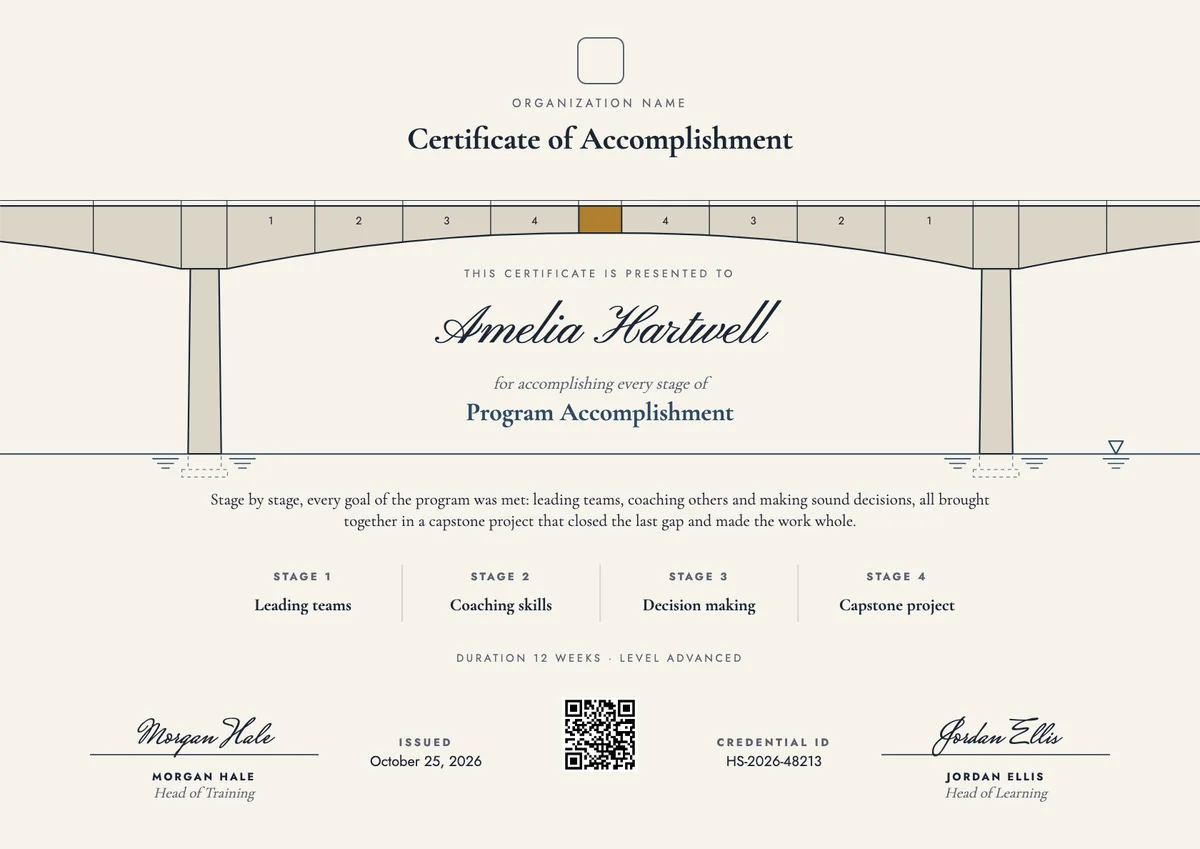
Landscape certificate · A4 + US Letter
Accomplishment Certificate, Landscape
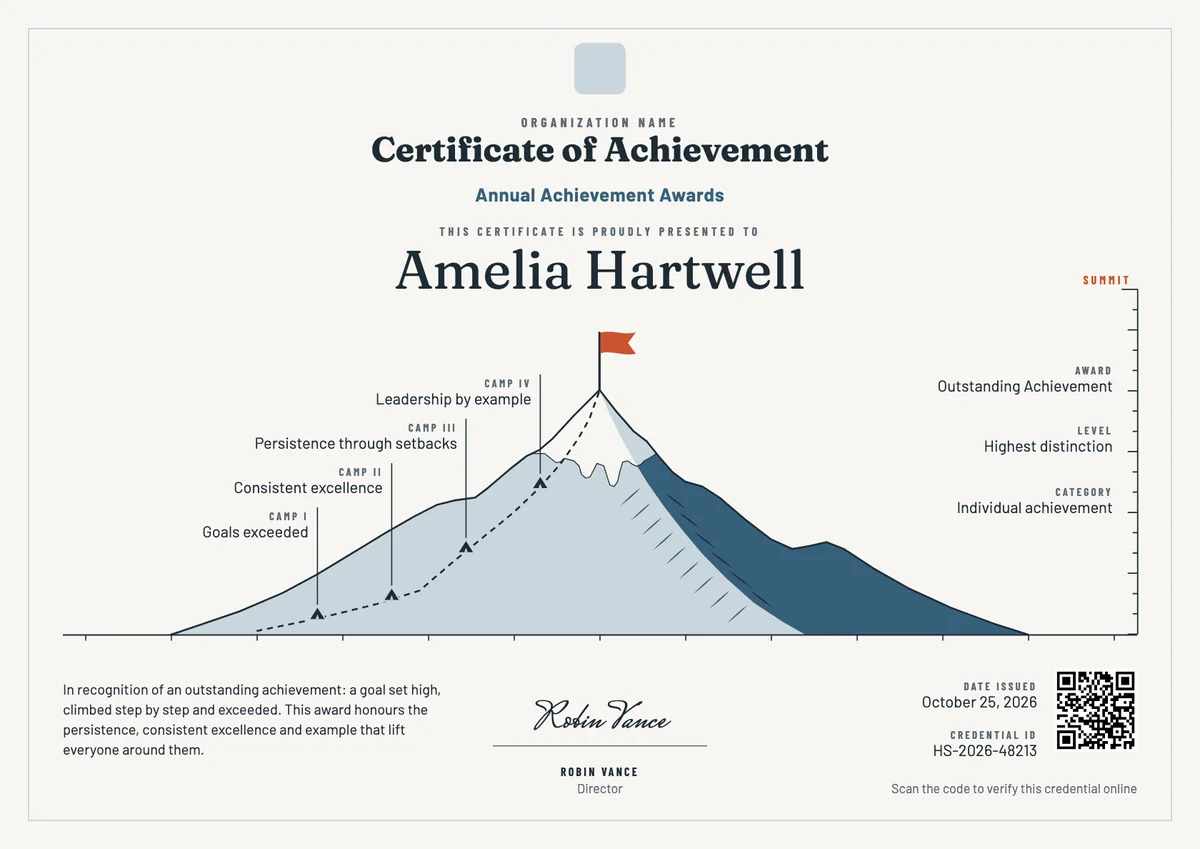
Landscape certificate · A4 + US Letter
Summit Achievement Certificate Landscape
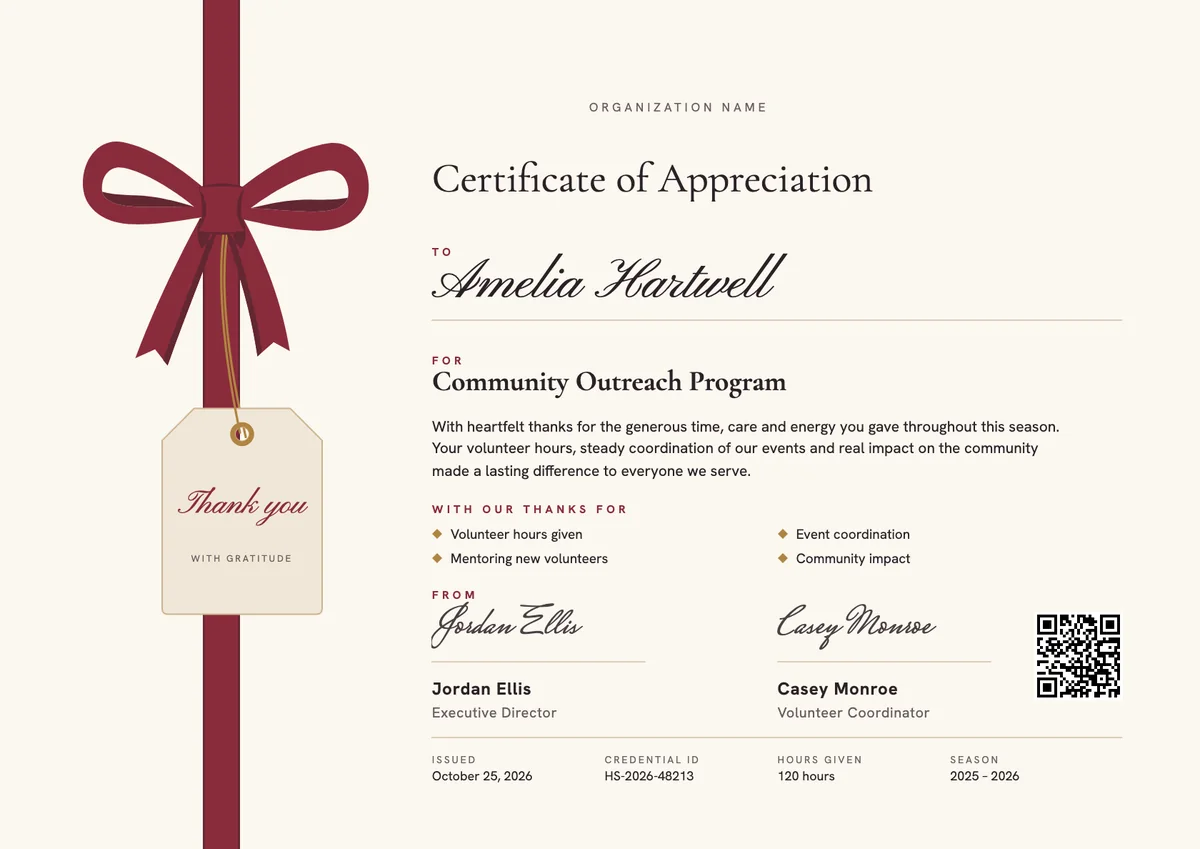
Landscape certificate · A4 + US Letter
Certificate of Appreciation, Landscape
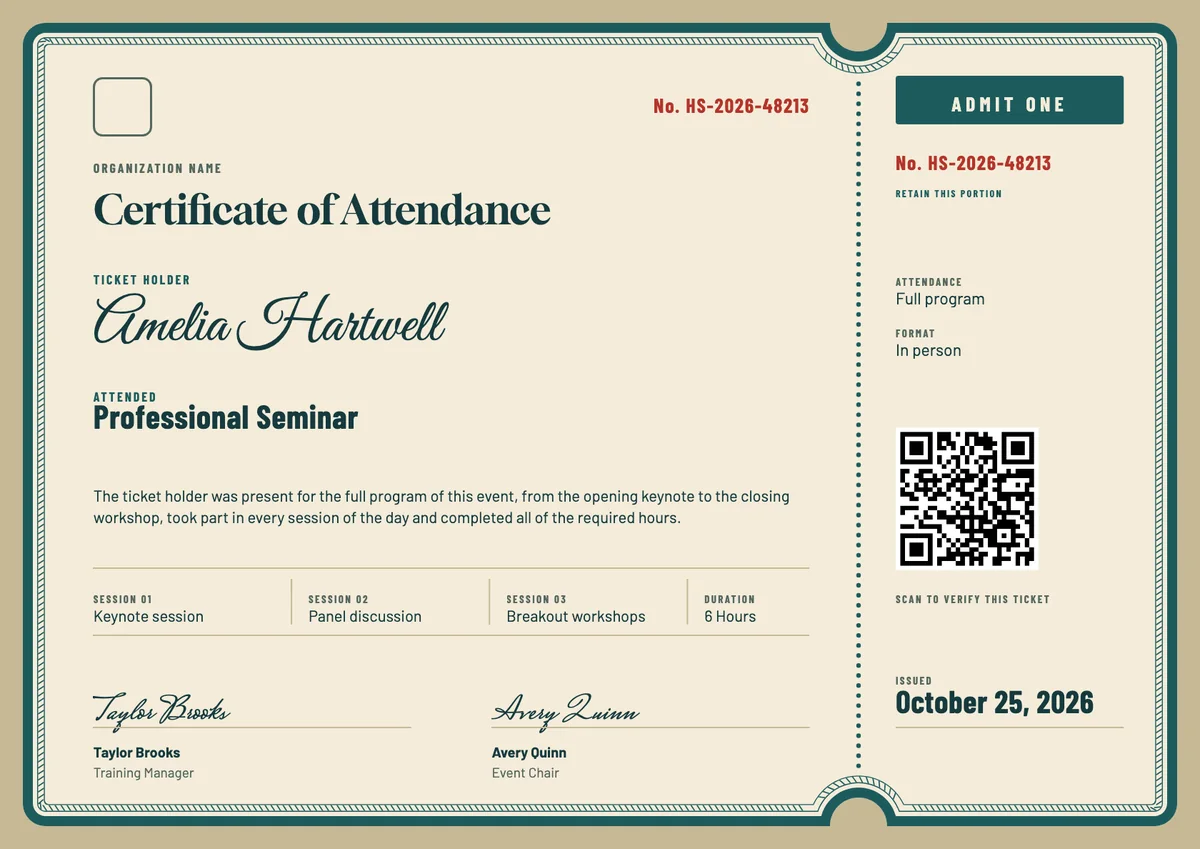
Landscape certificate · A4 + US Letter
Ticket Stub Attendance Certificate
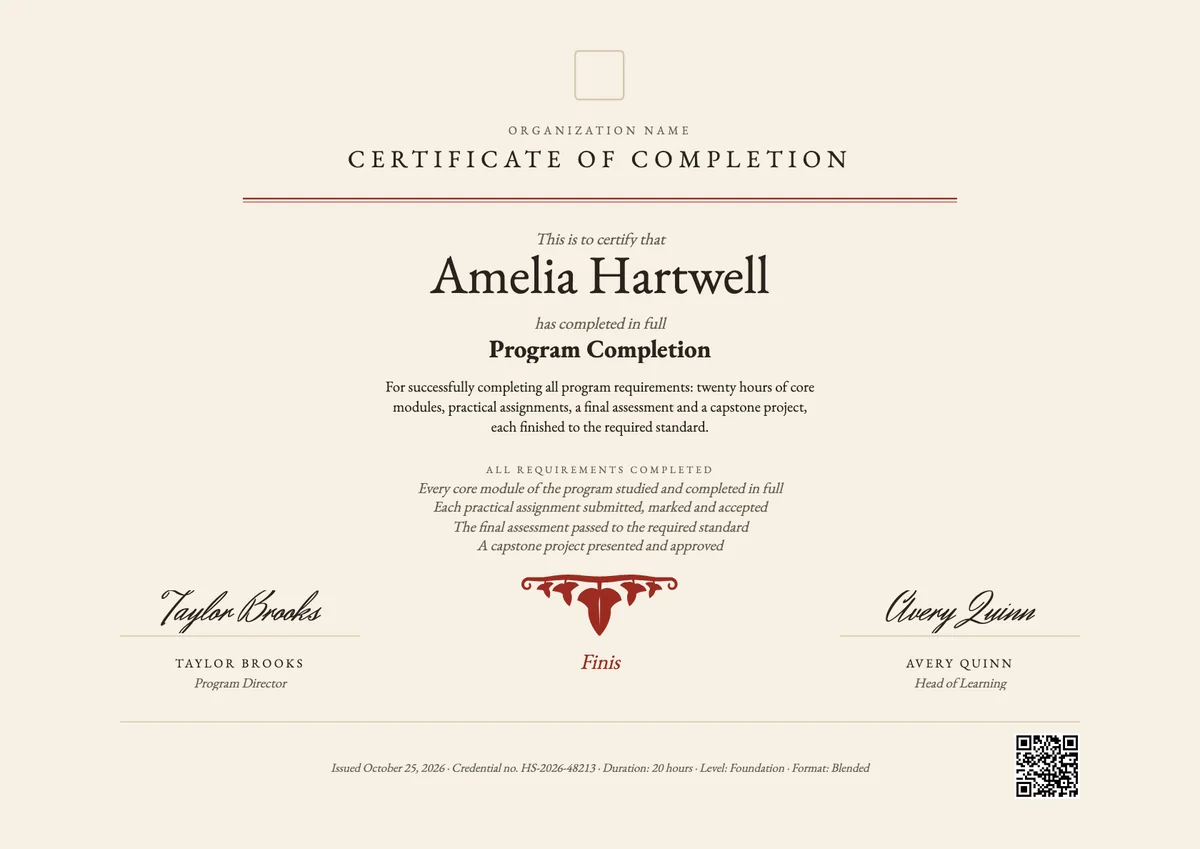
Landscape certificate · A4 + US Letter
Finis Completion Certificate, Landscape
Landscape certificate · A4 + US Letter
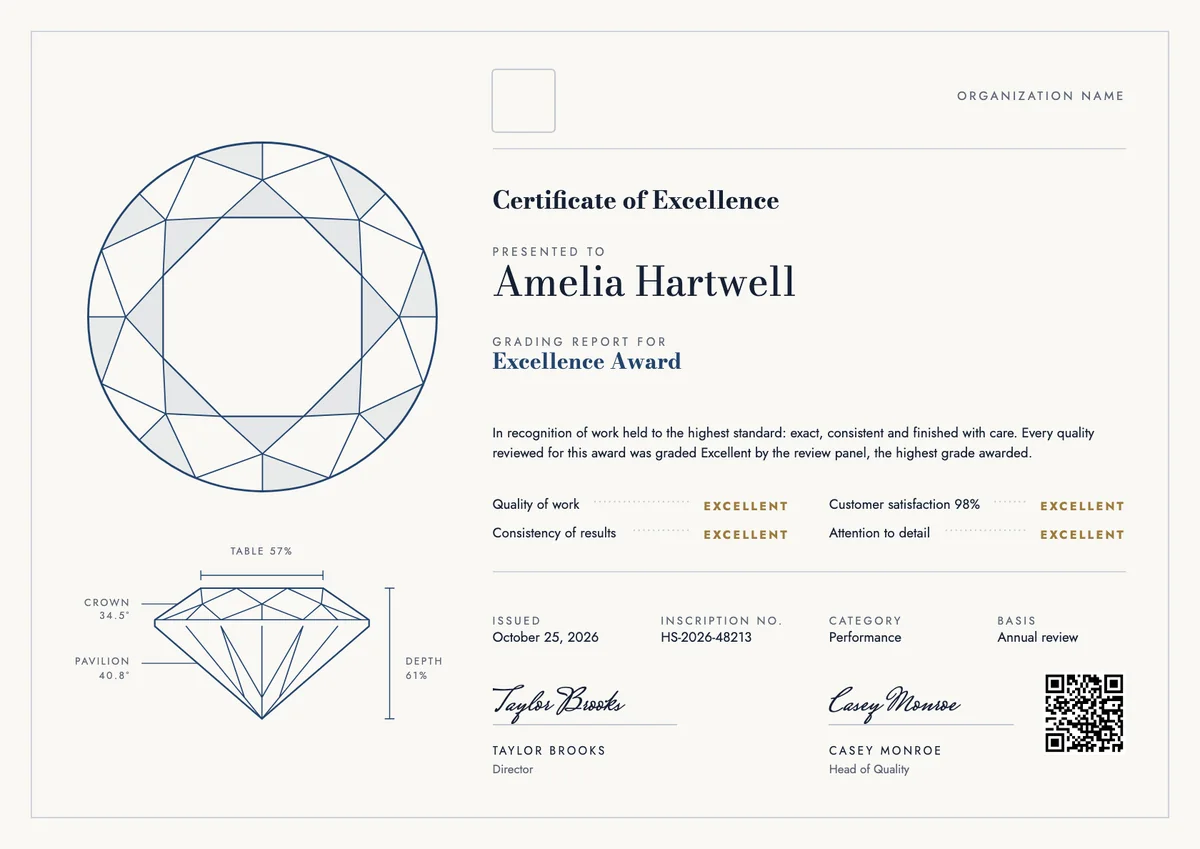
Diamond Grade Excellence Certificate
Landscape certificate · A4 + US Letter
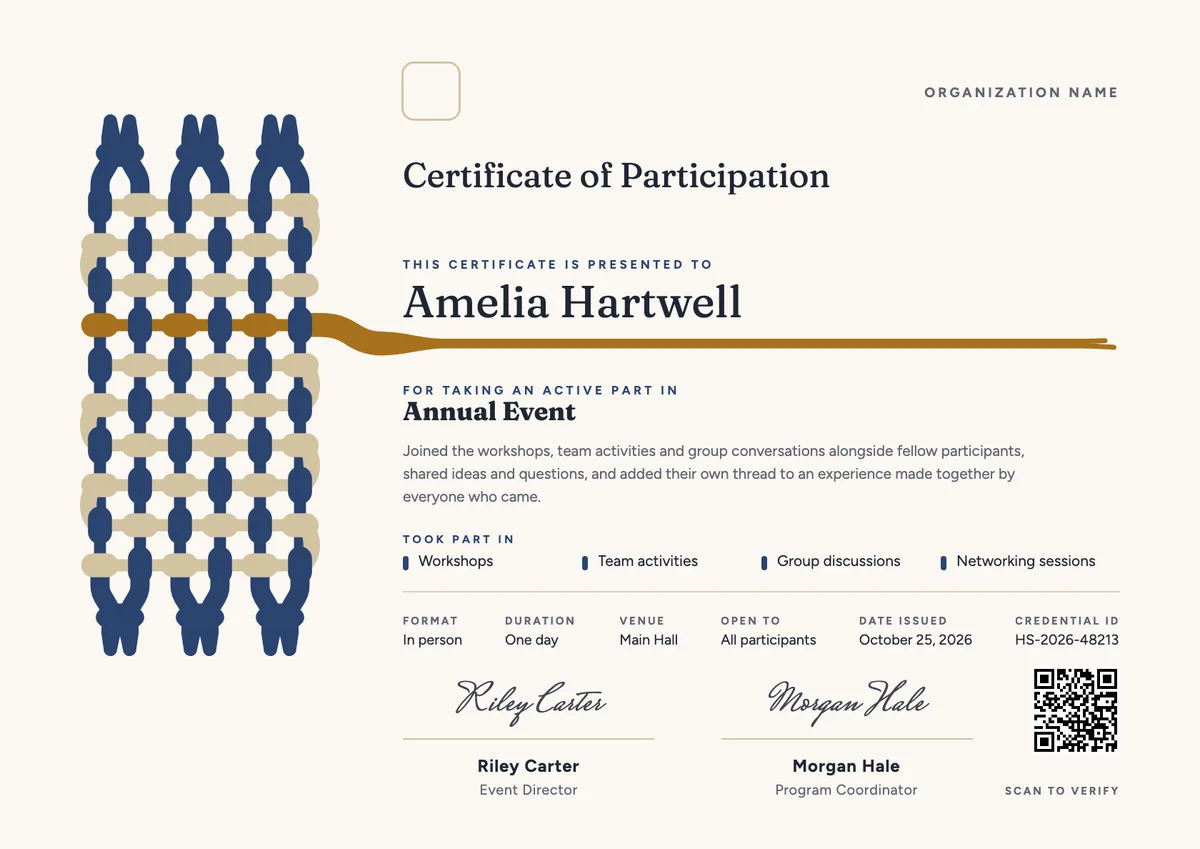
Golden Weft Participation, Landscape
Landscape certificate · A4 + US Letter
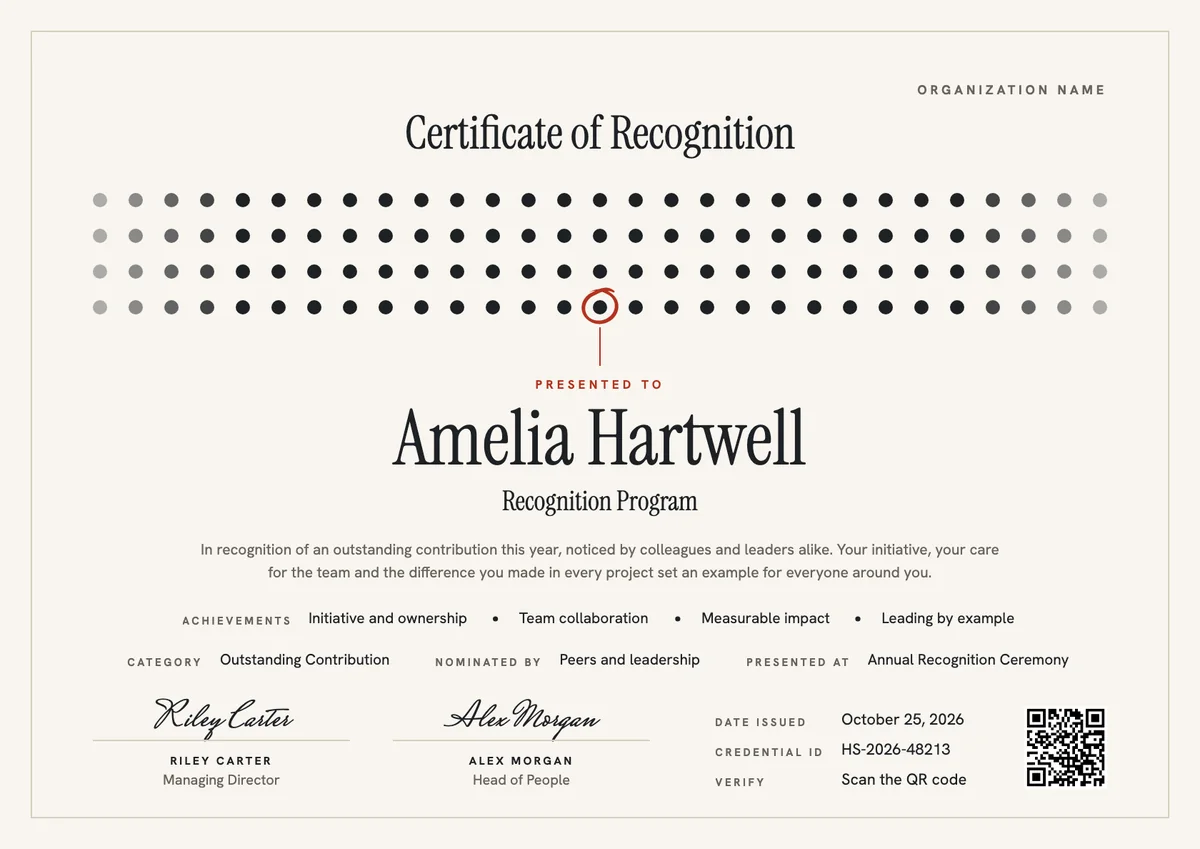
Certificate of Recognition, Landscape
Browse by topic
Trusted by universities, enterprises and certification bodies worldwide





Your next cohort deserves better than a PDF
Set up in minutes, send your first credentials today, and only pay once you grow past 20 recipients a year.
Or open a live sample credential