Emeritus Diptych Retirement Badge
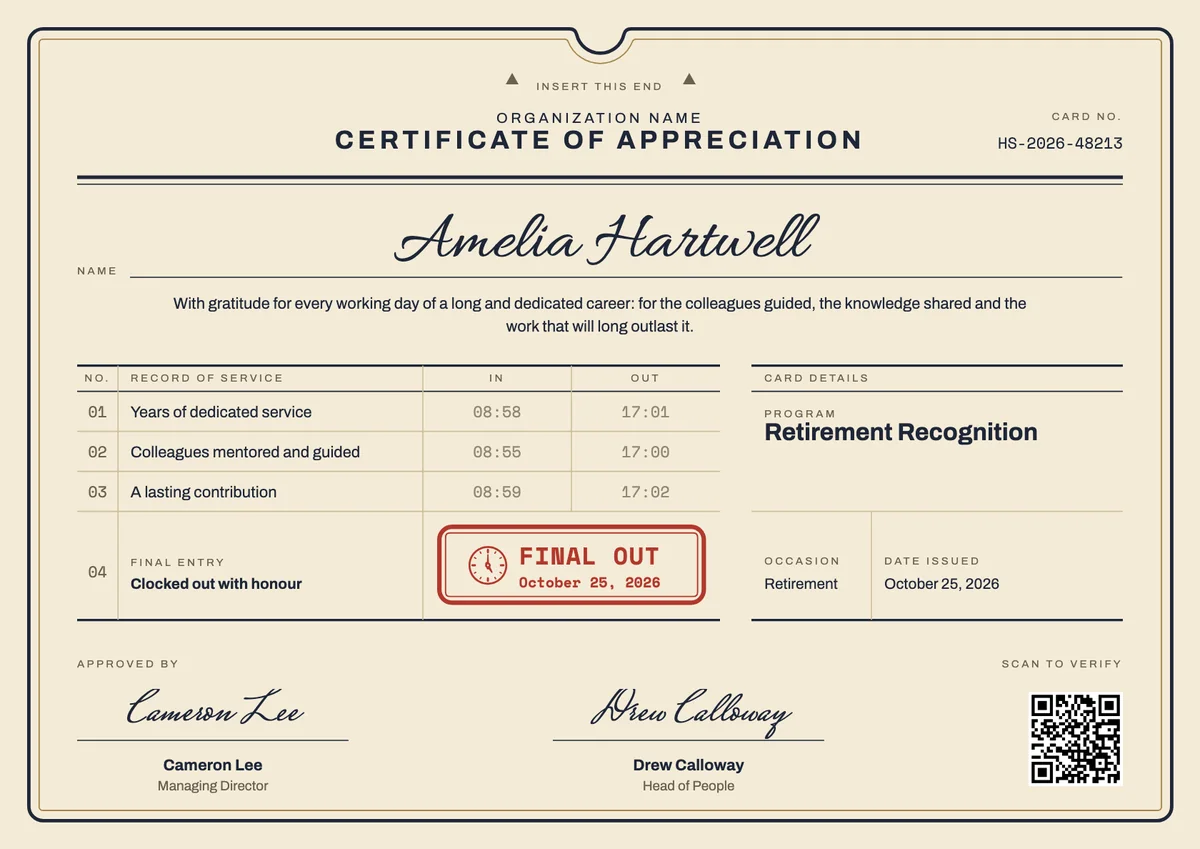
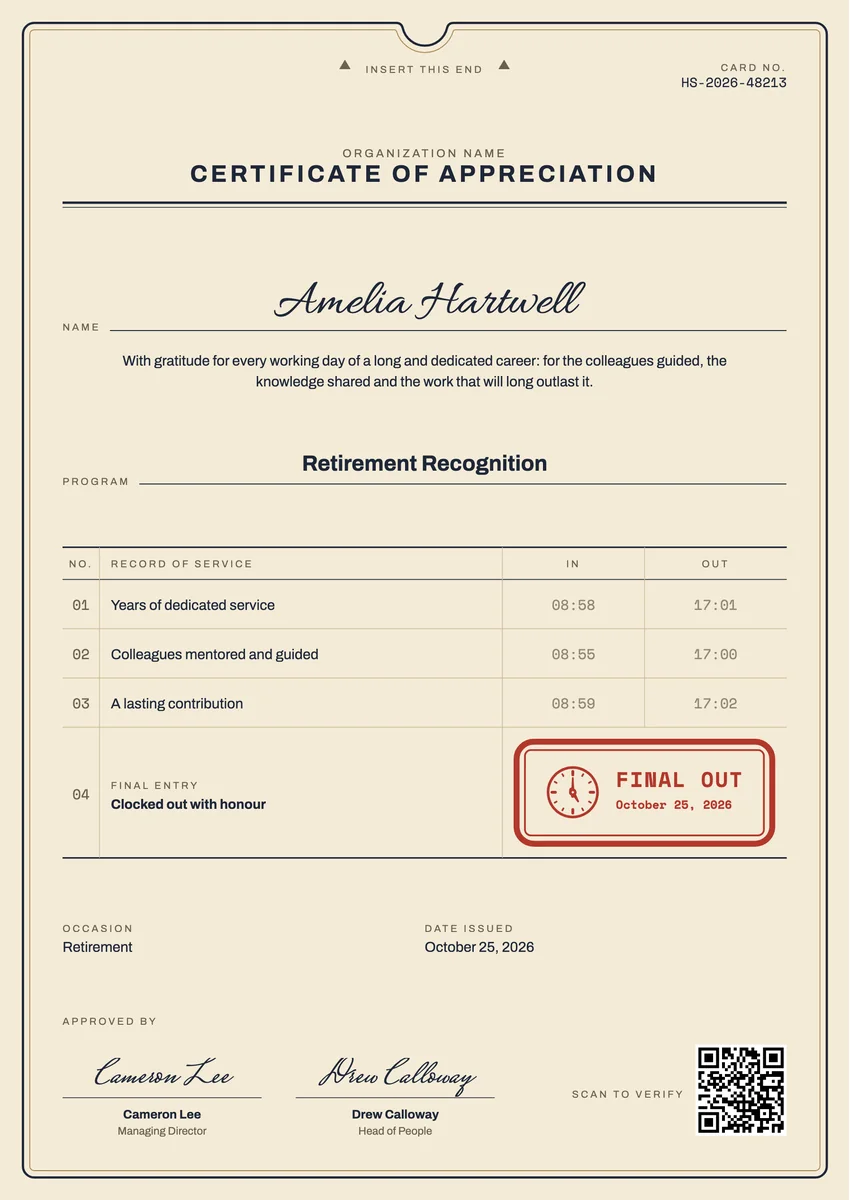
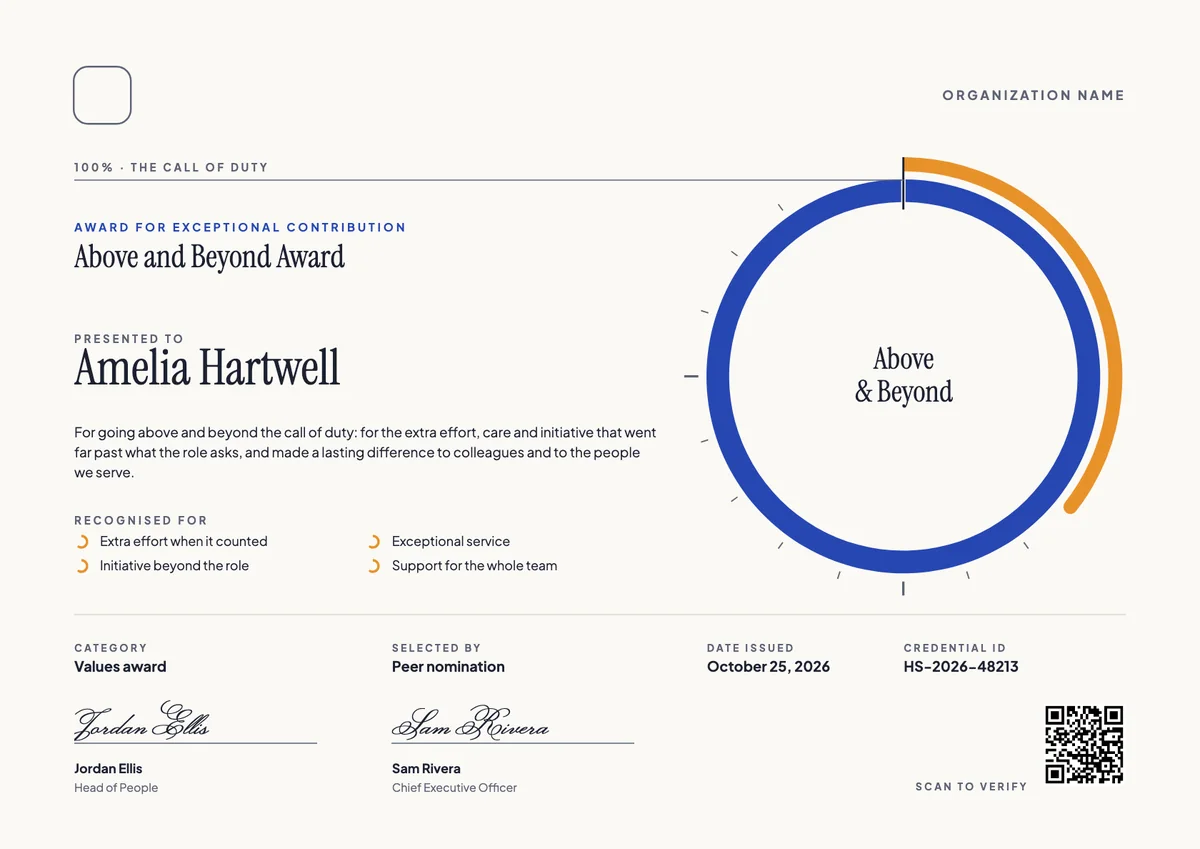
Matching certificates
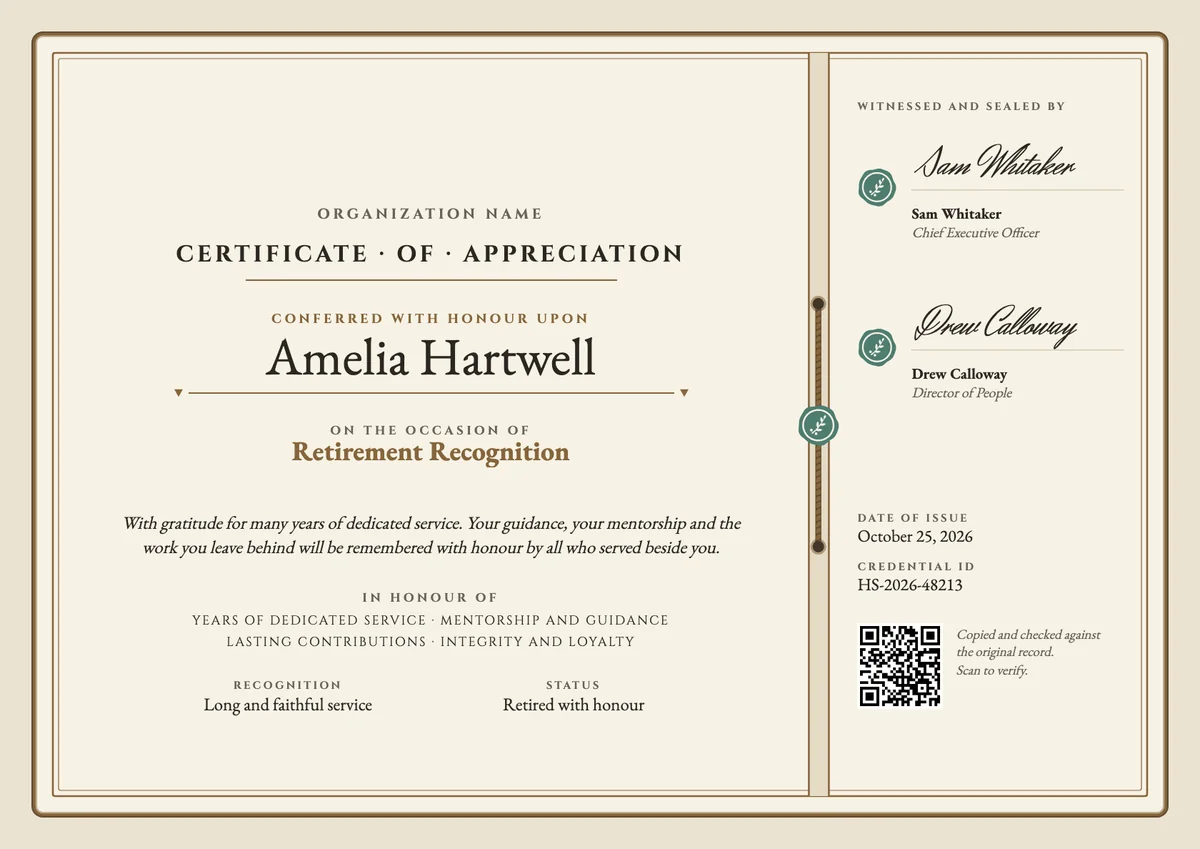
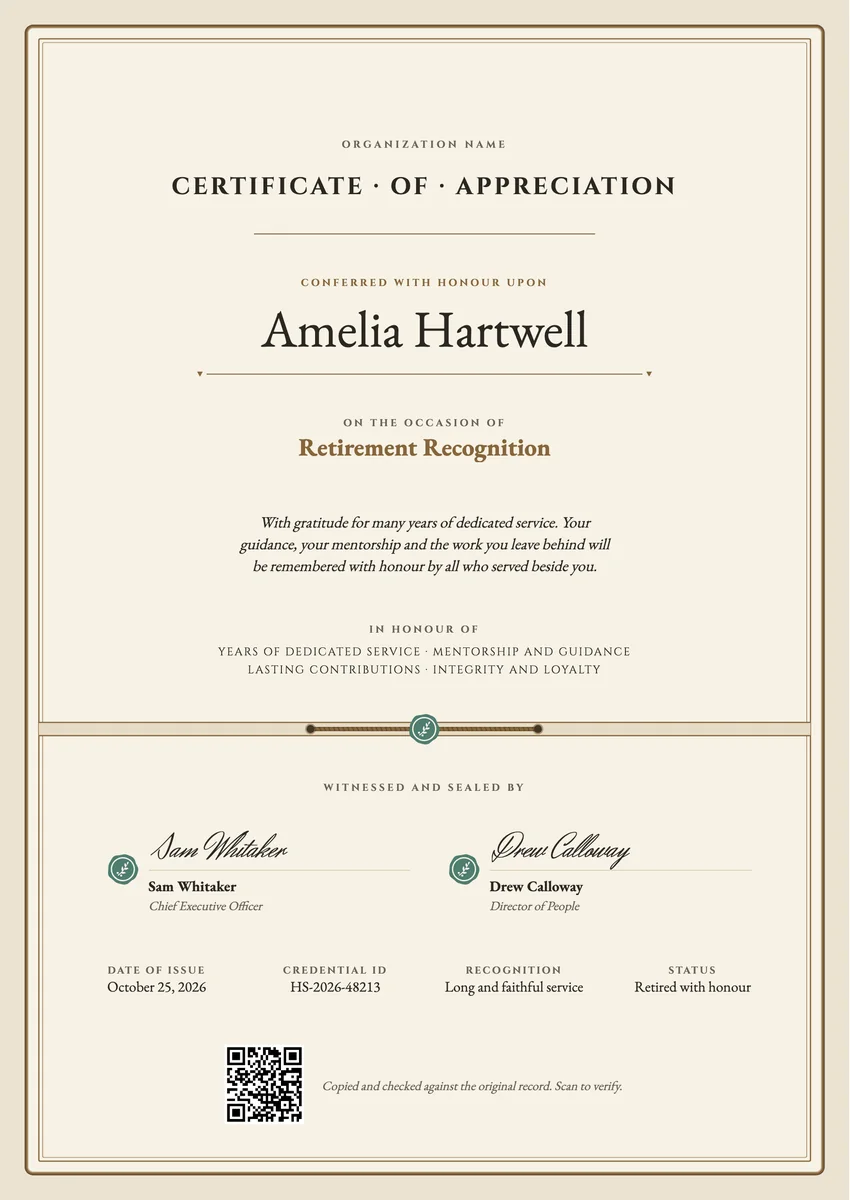
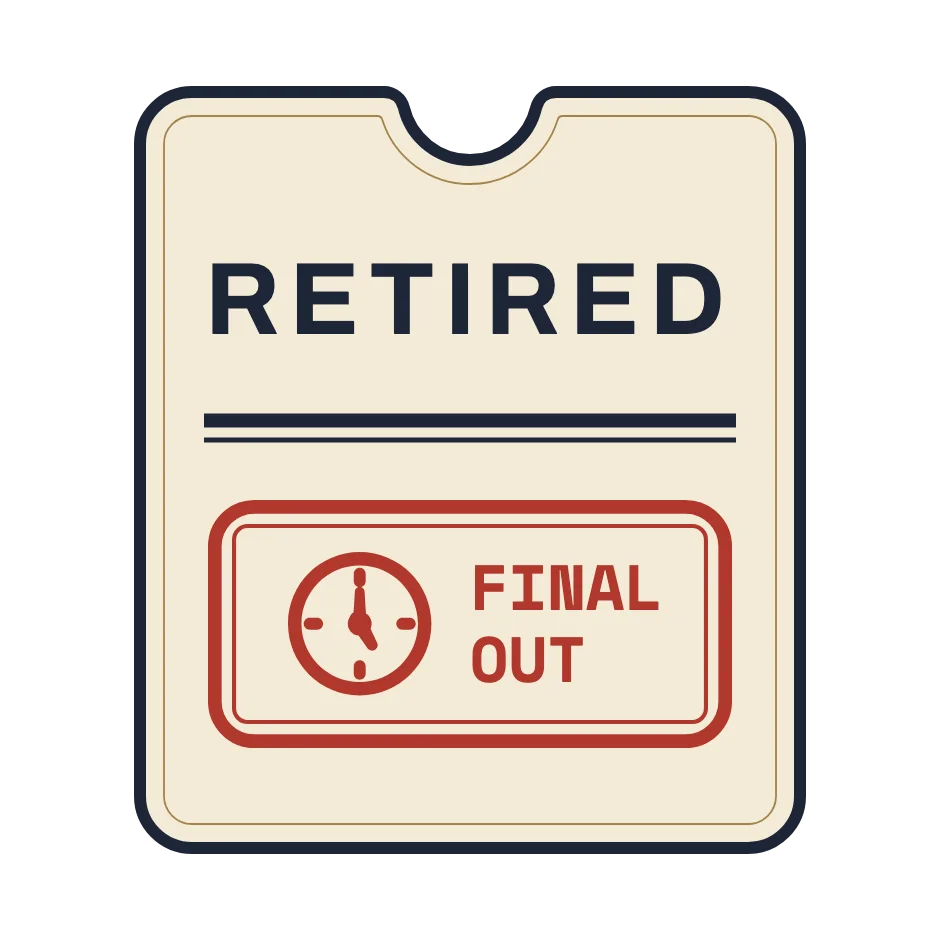
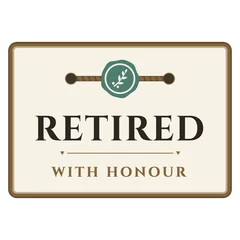
A digital retirement badge that says Retired With Honour on an ivory and bronze tablet, sealed with an olive sprig. Made to share on LinkedIn.
Use this design
Add your logo and wording, then send it to everyone at once, each with a link anyone can verify.
Start freeFree for up to 20 recipients a year
Share this design
- Round badge, readable at profile-picture size
- Your logo, colours and wording
- Each badge links to a verified record
- Matching certificates in the same design
Updated 28 November 2026 · Designed by the Hyperstack studio
See it where it lives
Drawn to read at small sizes
A badge is mostly seen small. These are its real sizes on screen.
On a profile
120 px
In a list of badges
64 px
In an email signature
40 px
What is on it
A badge people are proud to show
You write once
The same for everyone. Keep the template’s words or change them.
- Badge words
- Retired
Filled in for each person
Hyperstack fills these from your list when you send.
- The recipient’s name and the award, in the badge’s verified record
- The issue date and a credential ID
- A link anyone can click to verify it
Specifications
Sizes, fonts and colours
Sizes
- Badge
- 470 × 470 px, round · Reads at 120 px on a profile
Colours
- Paper#f7f2e6
- Ink#2b2722
- Accent#86653a
- Second accent#4e7d70
- Muted text#6b6257
Change any colour in the studio.
Design notes
The badge distils the emeritus idea into one shape: a small ivory tablet with a bronze lip, tied across the top by a twisted wire with a green wax seal and an olive sprig in its centre. Below it, RETIRED in strong capitals, a rule with triangle ends and WITH HONOUR in bronze. The words stay clear at thumbnail size, and the calm, classic look suits any industry.
About
Retirement Badge Template, Bronze Emeritus Tablet
A retirement badge lets a retiree announce the milestone in public: on a LinkedIn profile, in an email signature or on an alumni page. Employers, school boards and professional bodies issue it with the certificate so former colleagues and clients can see the career ended with honour, and so the person keeps a verified record of their service after their work account closes.
More wording ideas for retirement certificatesWords that go with it
The email and the post, written for you
Email to send with it
Subject: name, congratulations on your retirement and thank you
Dear name,
As you finish your last day with us, we want to thank you for everything you gave over the years: the work, the patience and the people you helped along the way. You leave a gap that will be hard to fill.
Your retirement certificate is waiting for you. You can download it to print and frame, keep the digital copy, or share it with friends and former colleagues online.
We wish you a long, healthy and happy retirement.
Hyperstack fills in each person’s name and link when it sends.
Post for the recipient to share
After thirty-one years, I clocked out for the last time this week. I am grateful to the colleagues who taught me, the teams I led and the friends I made along the way. Thank you to everyone who came to the farewell and for this certificate. Now for gardening, travel and a lot more time with my family. #Retirement #Grateful
Recipients share it with one click from their credential page, with the badge attached.
Certificate or badge?
Send both. They do different jobs.
Certificate
- A full record: name, statement, skills, dates and signatures
- Printed and framed, or kept as a PDF
- Opens to a page anyone can verify
Digital badge
- A small image people put on LinkedIn and in email signatures
- Carries the verified details inside it (Open Badges 2.0)
- One click shows who earned it and who issued it
How to send it
From template to everyone’s inbox
- 01
Make it yours
Open the template, add your logo and change any colour or word.
- 02
Add your people
Upload a spreadsheet, or connect your LMS, HR tool or form.
- 03
Send it
Each person gets an email and their own credential page, in one go.
- 04
They share it
Recipients add it to LinkedIn; anyone can verify it from the QR code.
Free for up to 20 recipients a year
The badge is a round image on a 470 × 470 px board, drawn to stay readable at 120 px, the size of a profile picture.
Cinzel (title, labels). All are Google Fonts, free for personal and commercial use, and you can swap any of them in the studio.
Yes. Every text, colour and drawing is its own layer in the studio. Add your logo in the logo spot; the design keeps its balance with a wide or a square logo.
Each person gets the badge with their own verified record. They add it to LinkedIn or an email signature, and anyone who clicks it sees who earned it and who issued it.
Yes. This design is part of a set: Emeritus Diptych Retirement Certificate and Emeritus Diptych Retirement Certificate, Portrait. Issue them together so the certificate and the badge read as one award for retirement.
More certificate templates
All badge templates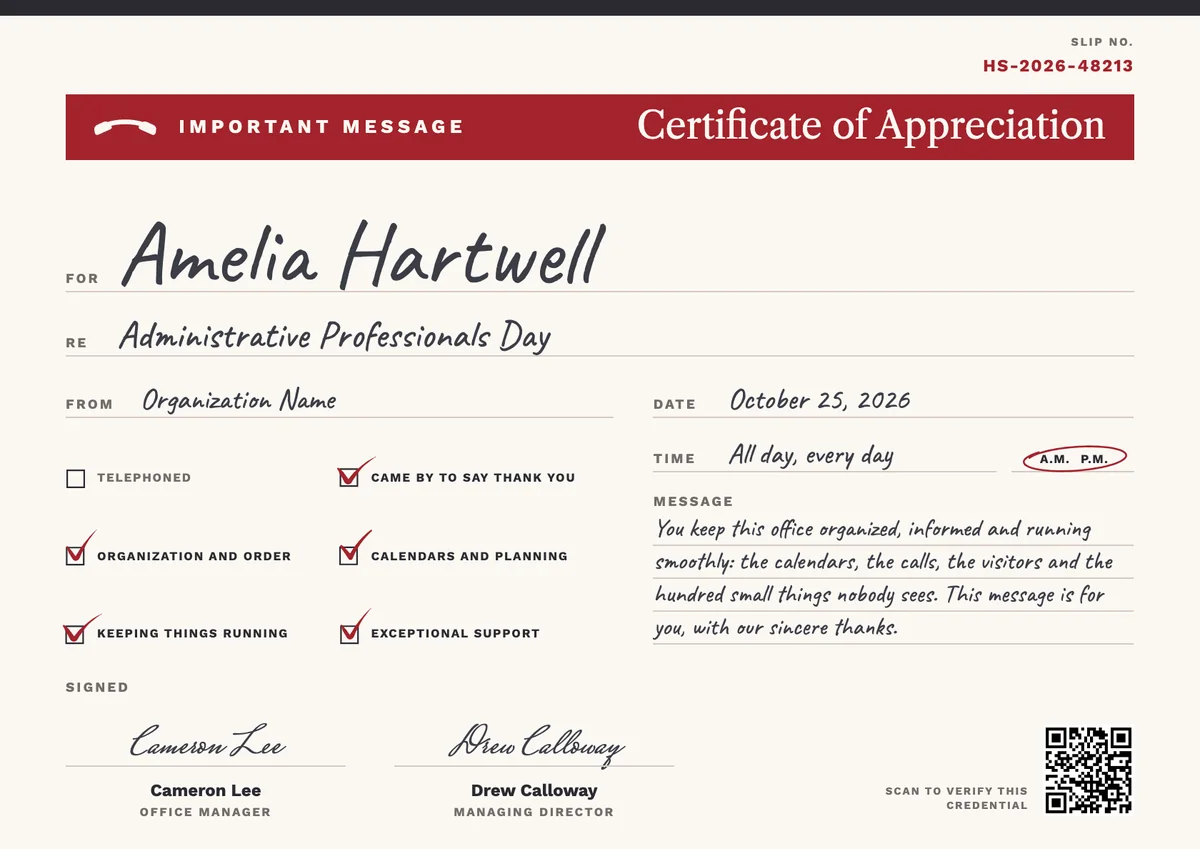
Landscape certificate · A4 + US Letter
Admin Professionals Day Certificate
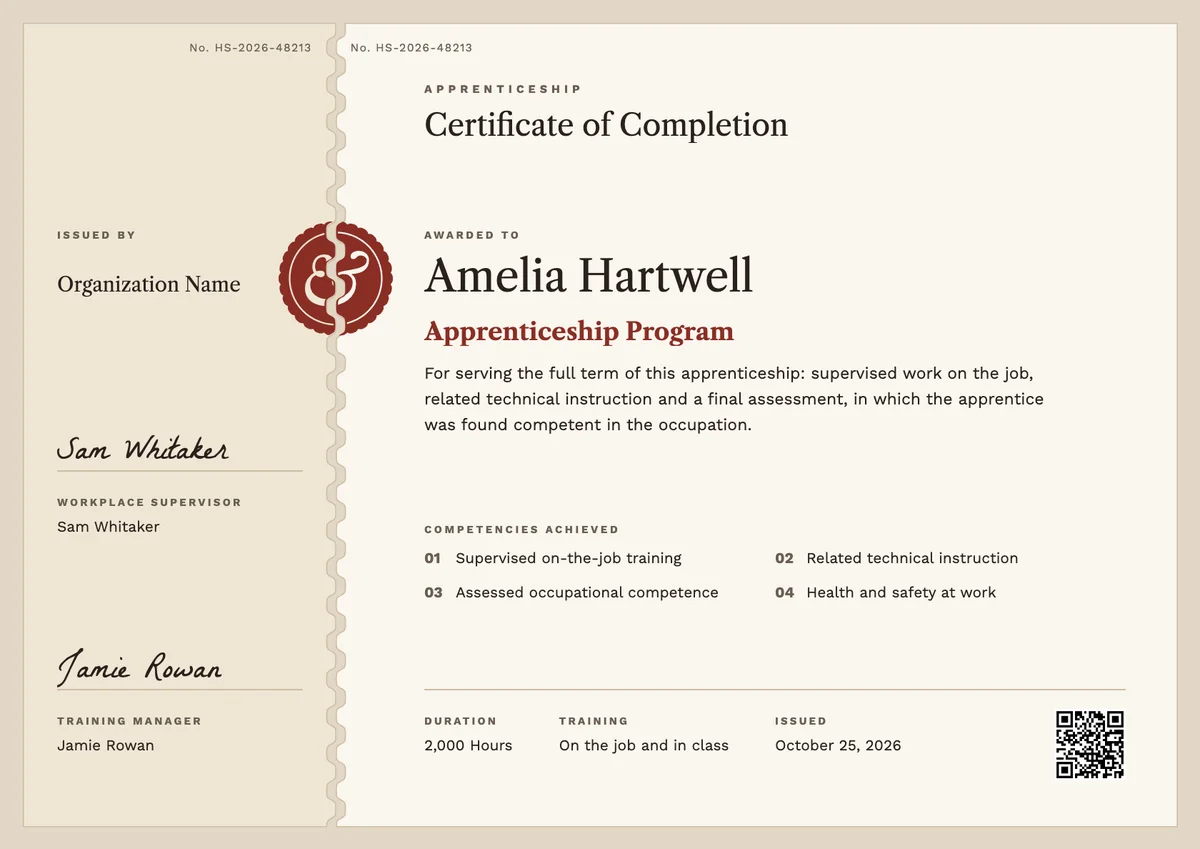
Landscape certificate · A4 + US Letter
Apprenticeship Certificate, Landscape
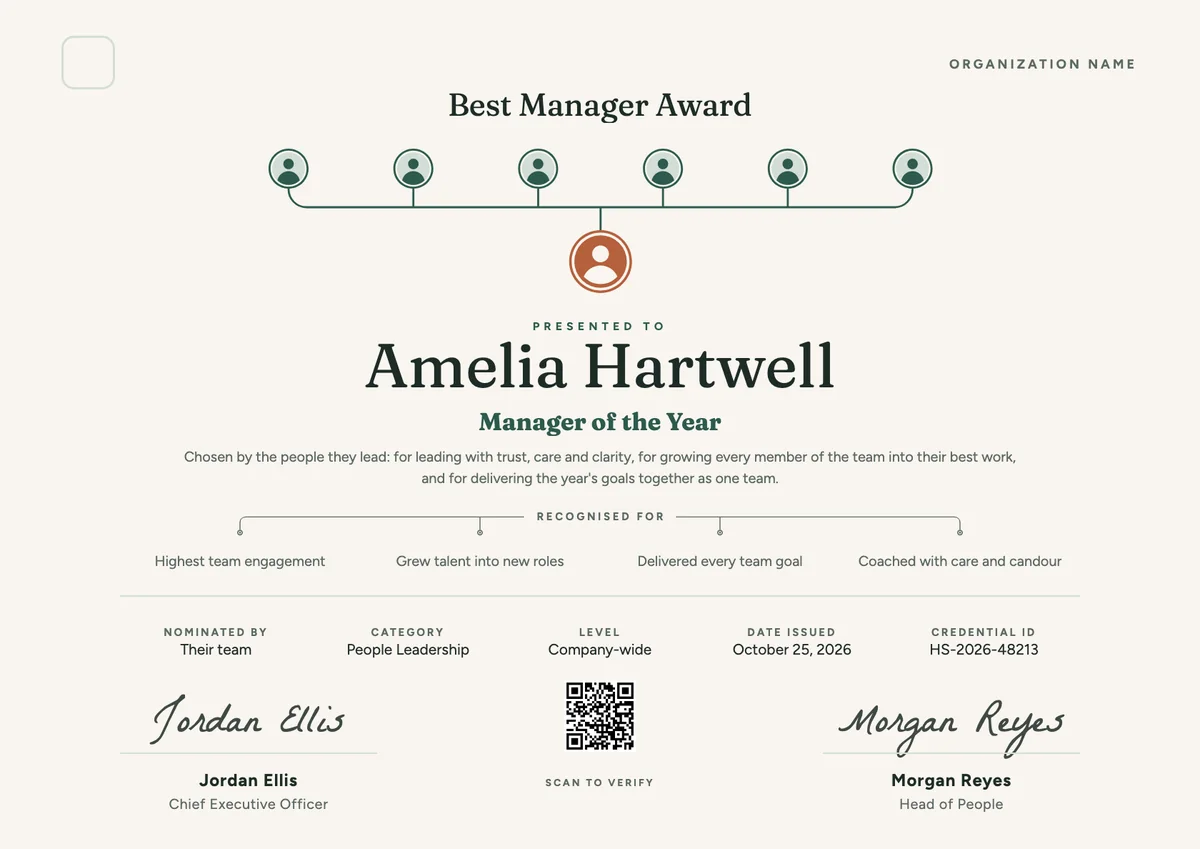
Landscape certificate · A4 + US Letter
Best Manager Certificate Landscape
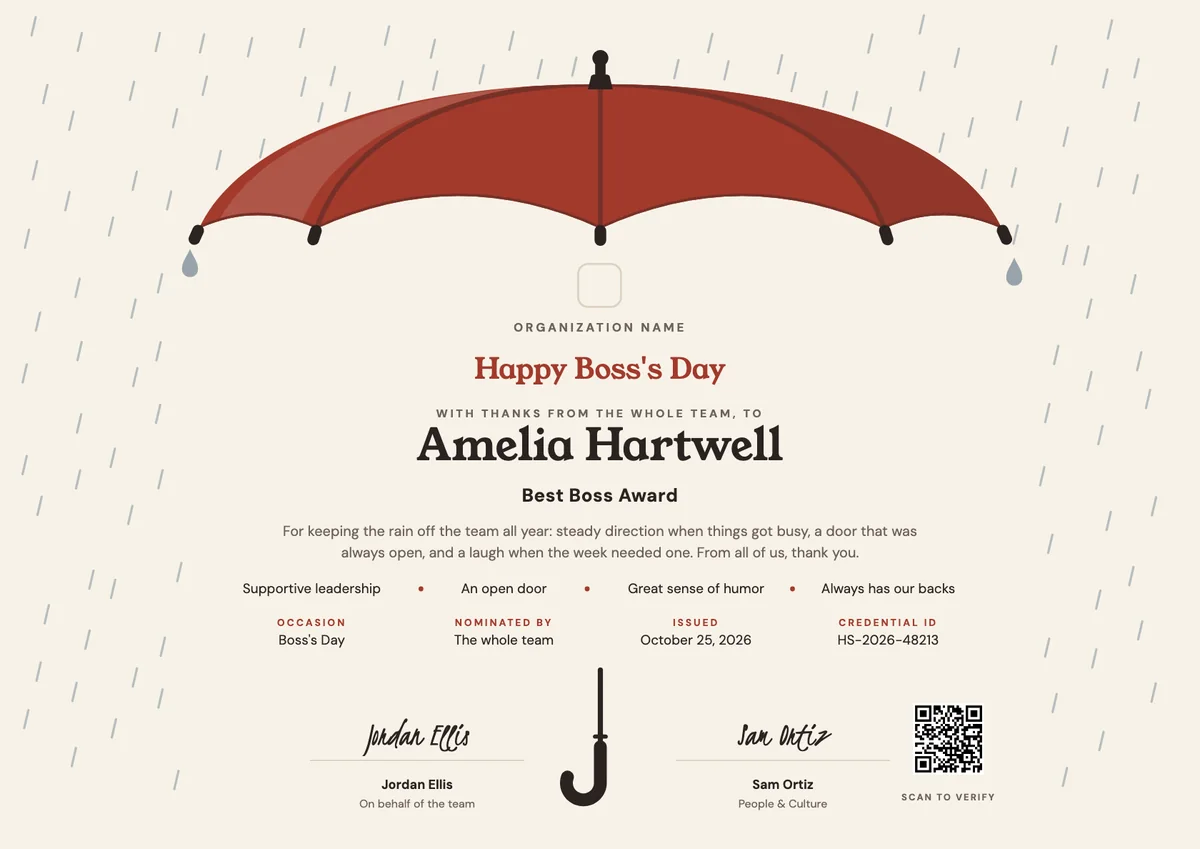
Landscape certificate · A4 + US Letter
Boss's Day Certificate Landscape
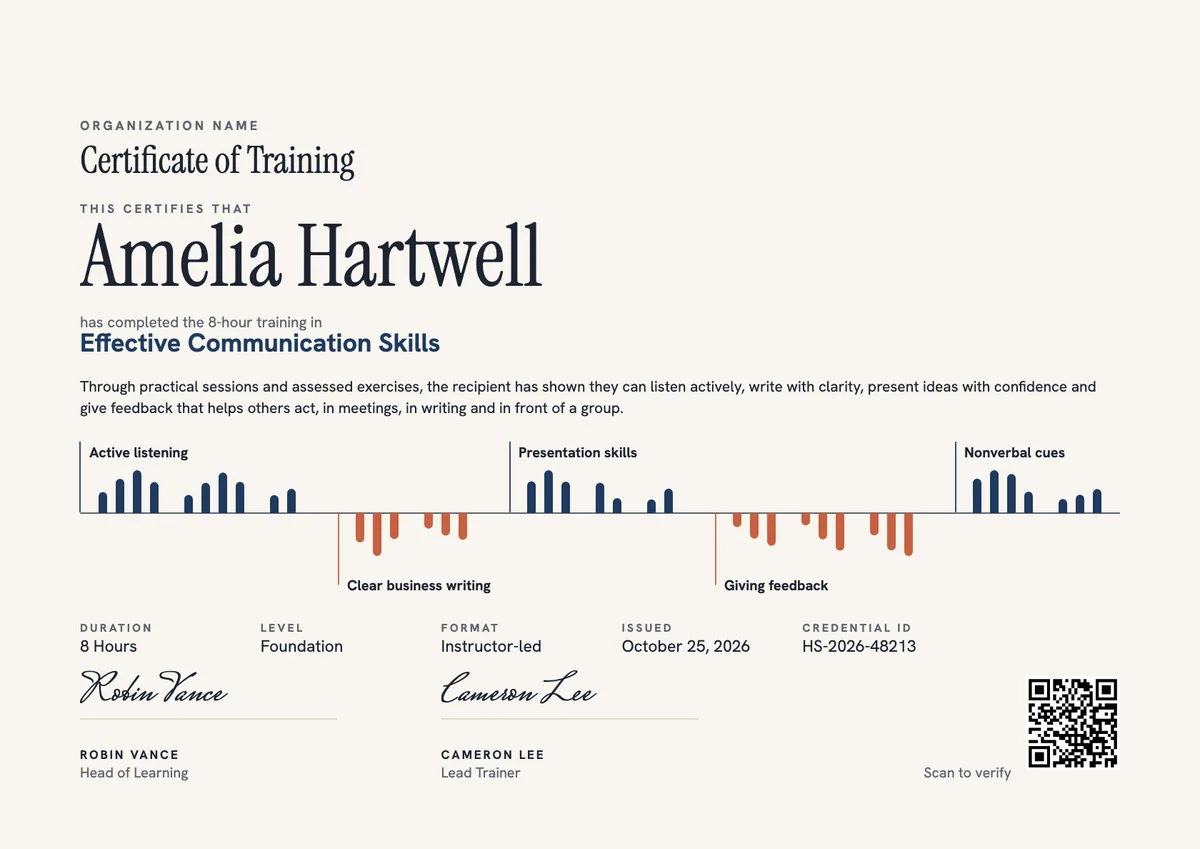
Landscape certificate · A4 + US Letter
Communication Certificate Landscape
Landscape certificate · A4 + US Letter
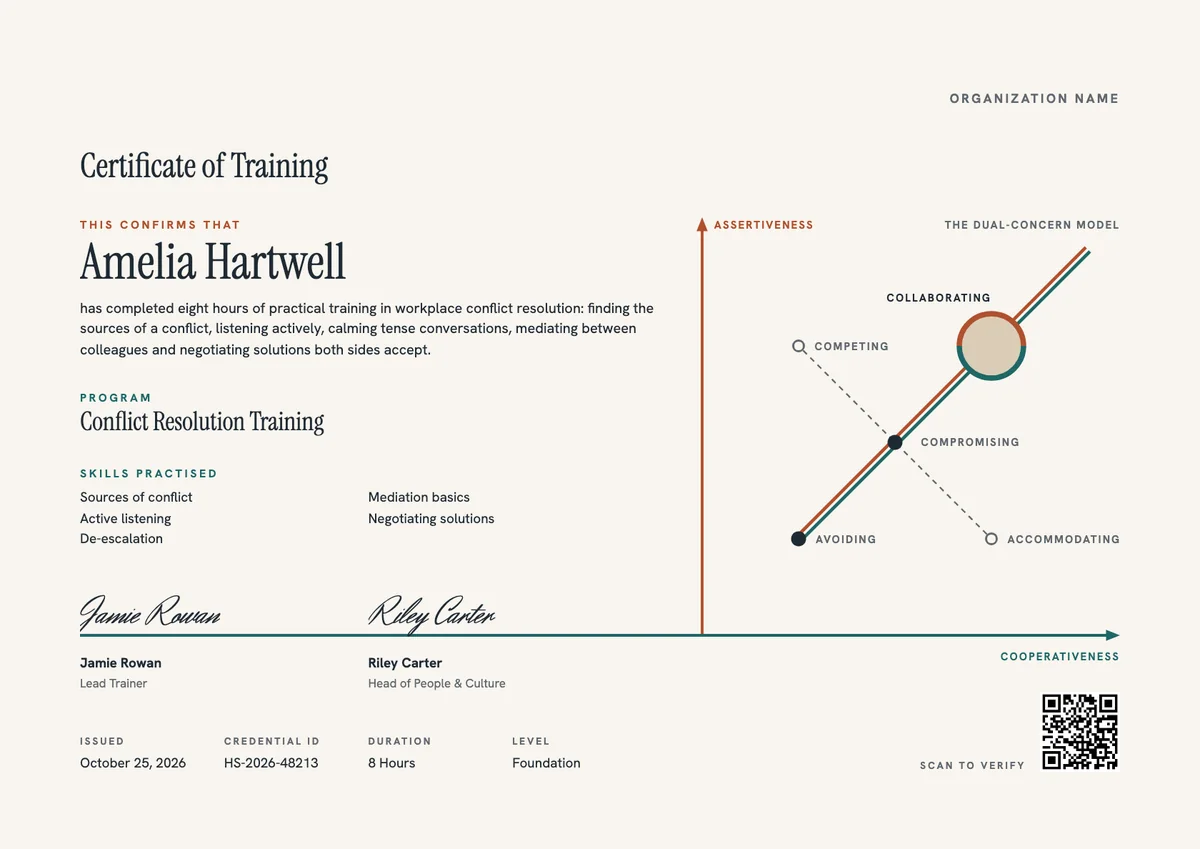
Conflict Resolution Training Landscape
Landscape certificate · A4 + US Letter
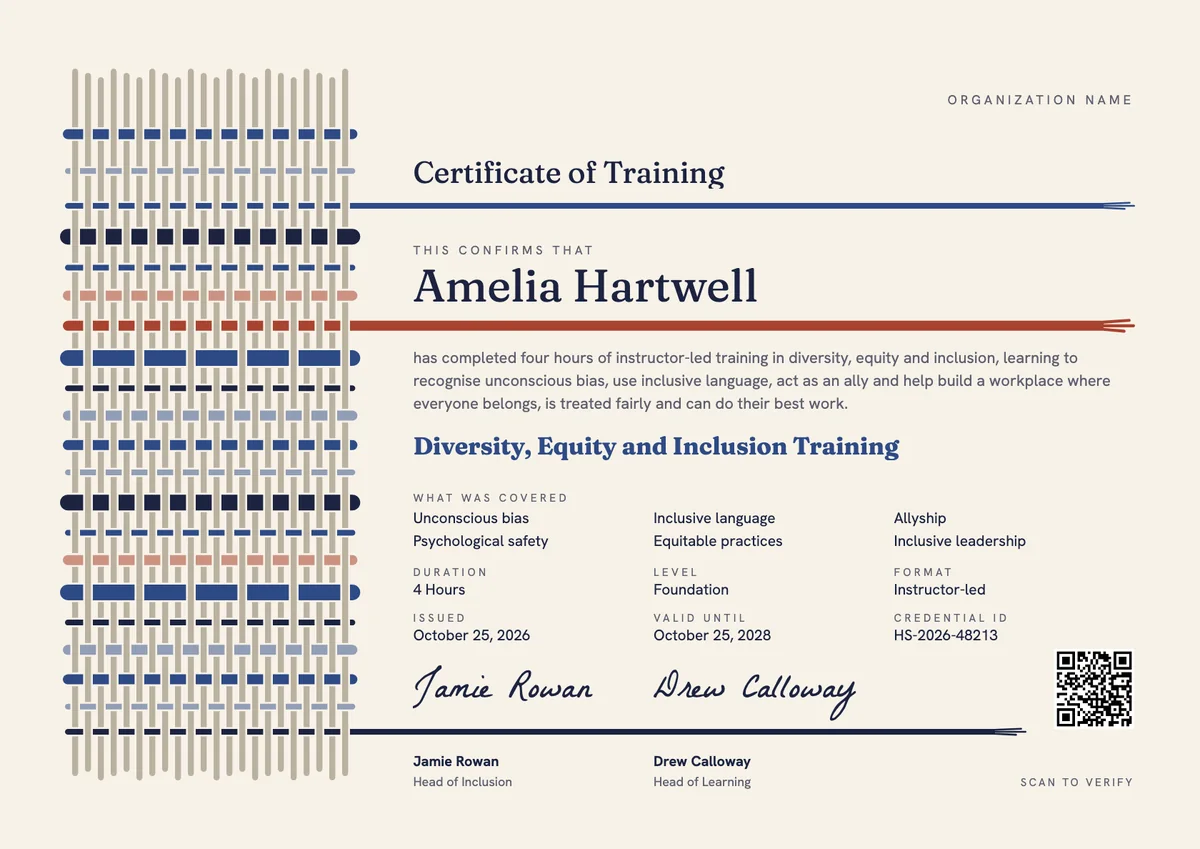
DEI Training Certificate Landscape
Landscape certificate · A4 + US Letter
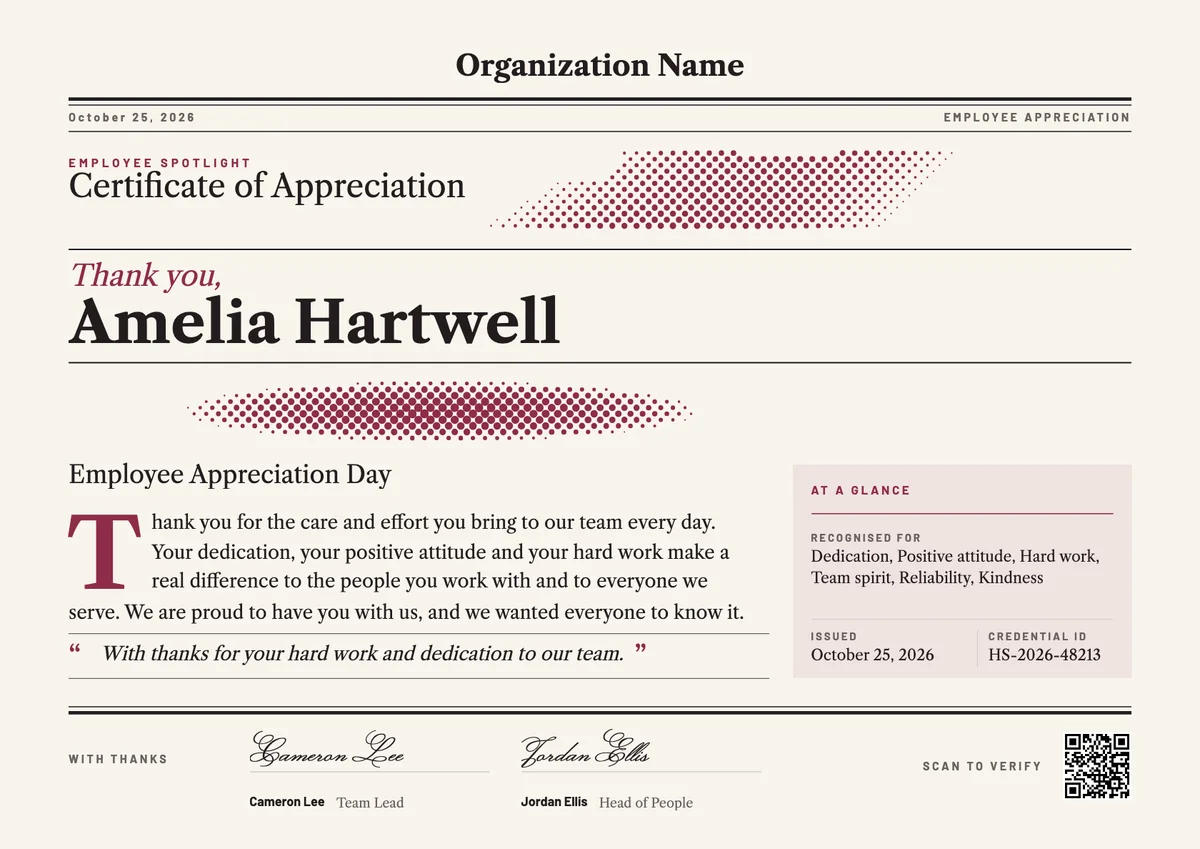
Appreciation Certificate, Landscape
Browse by topic
Trusted by universities, enterprises and certification bodies worldwide









Your next cohort deserves better than a PDF
Set up in minutes, send your first credentials today, and only pay once you grow past 20 recipients a year.
Or open a live sample credential